Canon Supported Models
https://support.cyanview.com/docs/Integrations/Canon/
The Cyanview RCP can control all types of Canon cameras. First check how your camera connects, then go to the page for your model.
Connection Overview
The Cyanview RCP can control Canon cameras over:
- IP — using the XC protocol
- Remote-A (2.5mm TRS jack) — supported by most older cameras
- USB — Canon R5 only
Remote B is not supported, as these cameras also have the Remote-A connector and the functions are identical.
IP Control: PTZ Cameras
All Canon PTZ cameras except the CR-X500 are controlled over IP using the XC protocol. The Canon PTZ controller can be used at the same time as Cyanview RCPs. See CR-N/X PTZ for details.
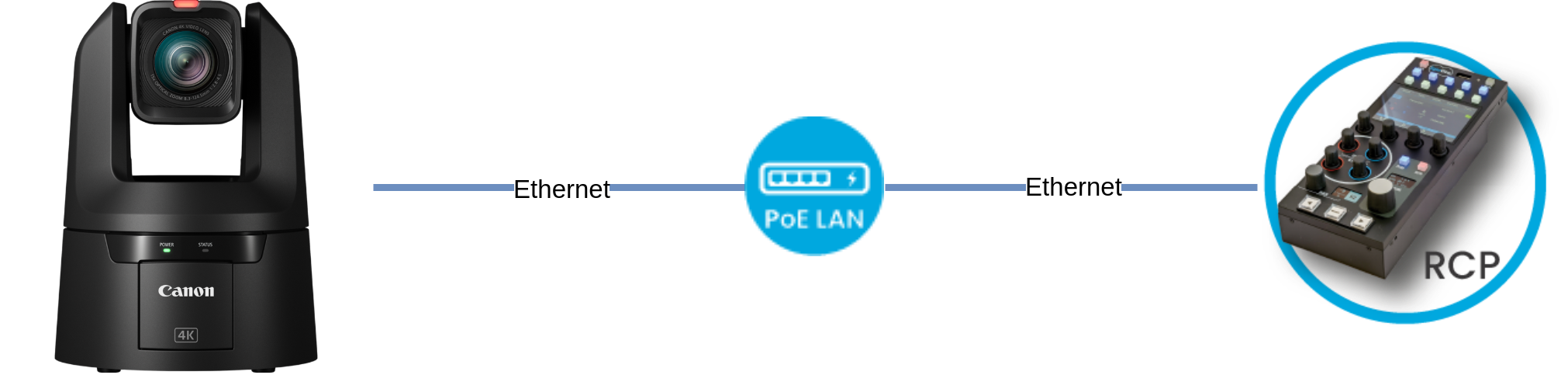
IP Control: Cine Cameras
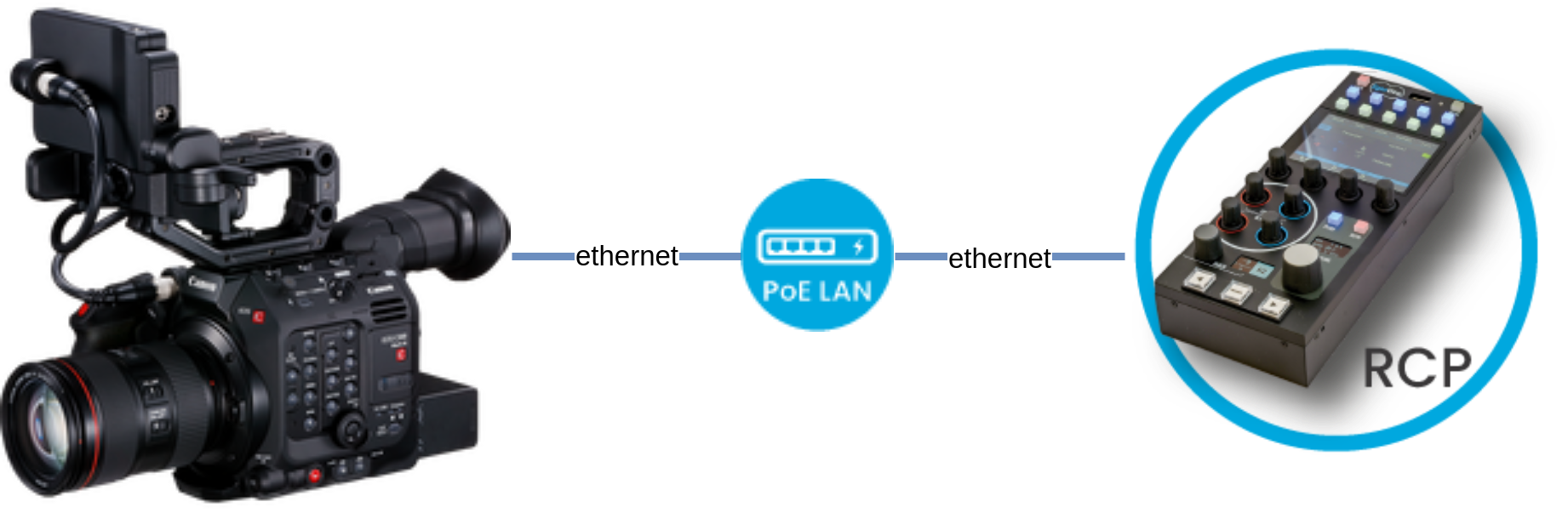
The Cyanview RCP controls all Canon cameras that support the XC protocol. See XC for details.
- C400
- C80
- C300 Mk3
- C500 Mk2
- XF605
- C70 (needs a firmware update)
- C50 (*)
* The C50 requires the DC Coupler DR-E6P to power the camera.
Remote-A (2.5mm TRS Jack)

The Cyanview RCP controls all Canon cameras that support the Remote A protocol. See Remote A for details.
- C100
- C200
- C300 Mk2
- C500 Mk1
- etc. (this list is not exhaustive)
Checking Compatibility
- Go to your camera's page on the Canon website
- Click on "Specifications"
- Scroll to "IP Streaming & Control"
- Look for "Canon XC Protocol supported" in that block
Also, if your camera is compatible with the RCV-100, it is compatible with the Cyanview RCP, except that the Cyanview RCP controls the cameras over IP and can control multiple cameras at the same time.
For example, for the C200 you will find this block:

USB: Mirrorless
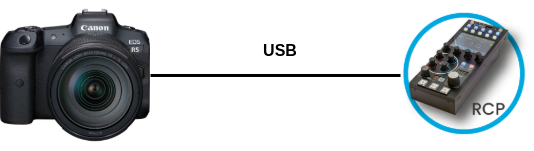
USB control applies to the Canon R5 only. See R5 for details.