XC
https://support.cyanview.com/docs/Integrations/Canon/CanonXC
This lets you control your camera over Ethernet, as long as the camera supports the XC protocol.
Supported Models
All compatible models are supported through XC control (IP):
- C70
- C80
- C300mk3
- C400
- C500mk2
- XF605 (see its dedicated page)
For other models, you can use Remote A control (jack connection); see Remote A.
Wiring

Supported Controls
| Control | XC |
|---|---|
| Exposure (Iris, Gain, Shutter, ND filter) | ✓ |
| White balance (R/B, color temperature) | ✓ |
| Black balance (R/B, master black and black gamma) | ✓ |
| Other settings (saturation, knee, detail, denoise) | ✓ |
| Tally | ✓ |
| OSD/Menu | ✓ |
| Lens (zoom, focus) | ✓ |
| Scene file save/recall | ✓ |
Camera Configuration
On the camera you need to:
- Configure a static Ethernet IP
- Enable the XC protocol
You can follow the wizard in the menu Network Settings > New Conn. Settings (Wizard):
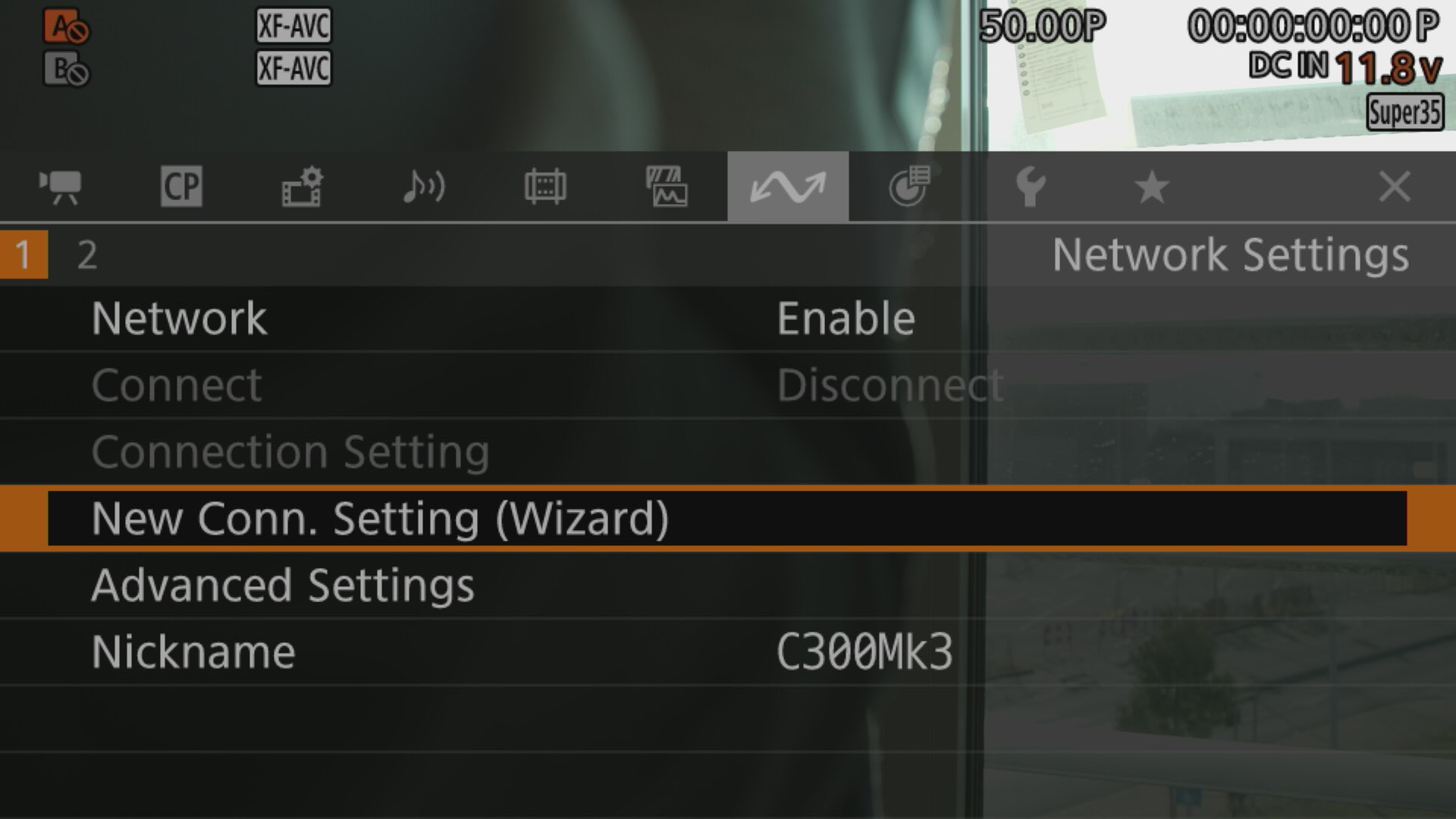
-
For Select Function, choose XC Protocol
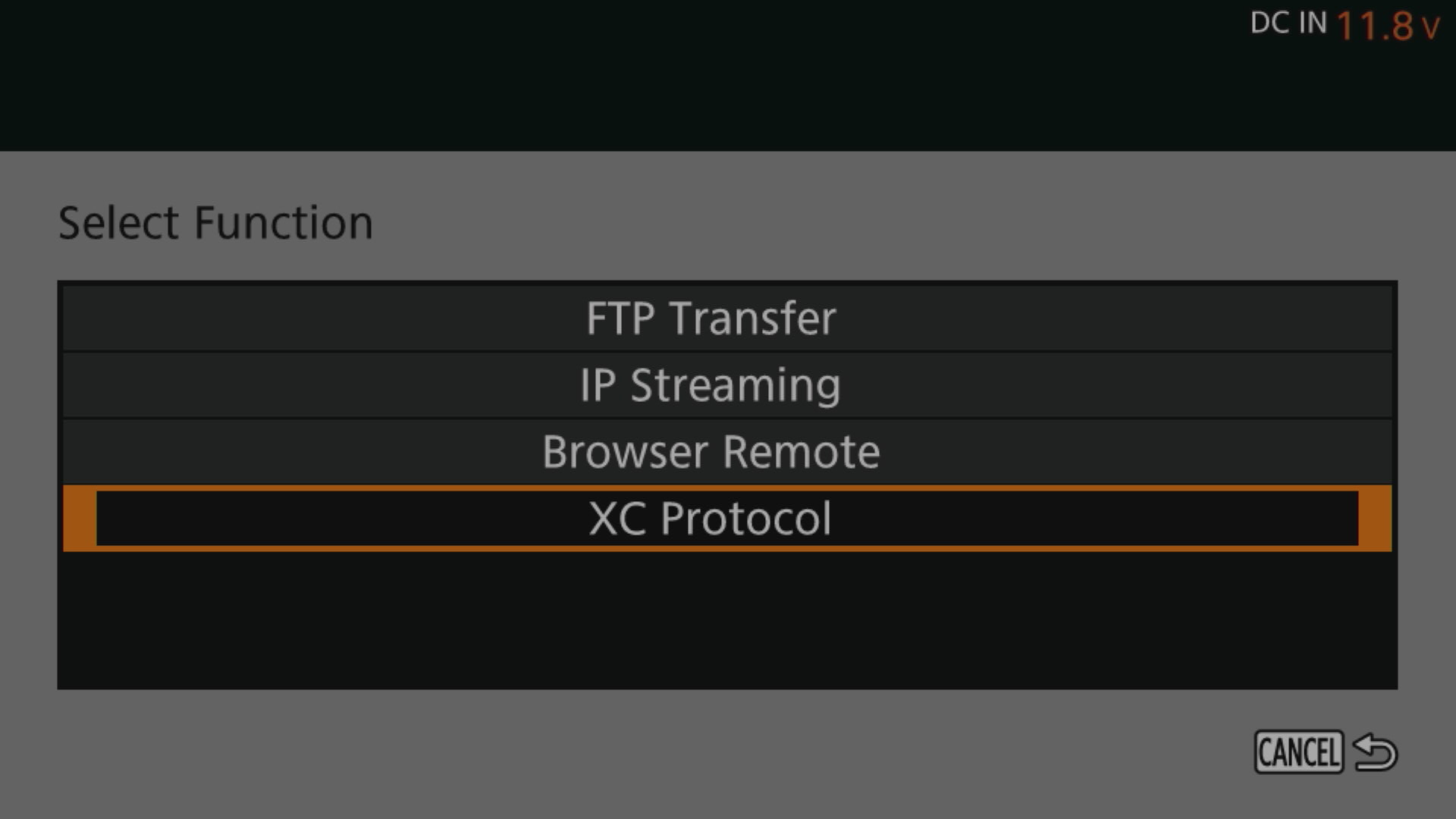
-
For Communication Settings, choose Create New Comm. Setting
-
For Network Type, choose Ethernet
-
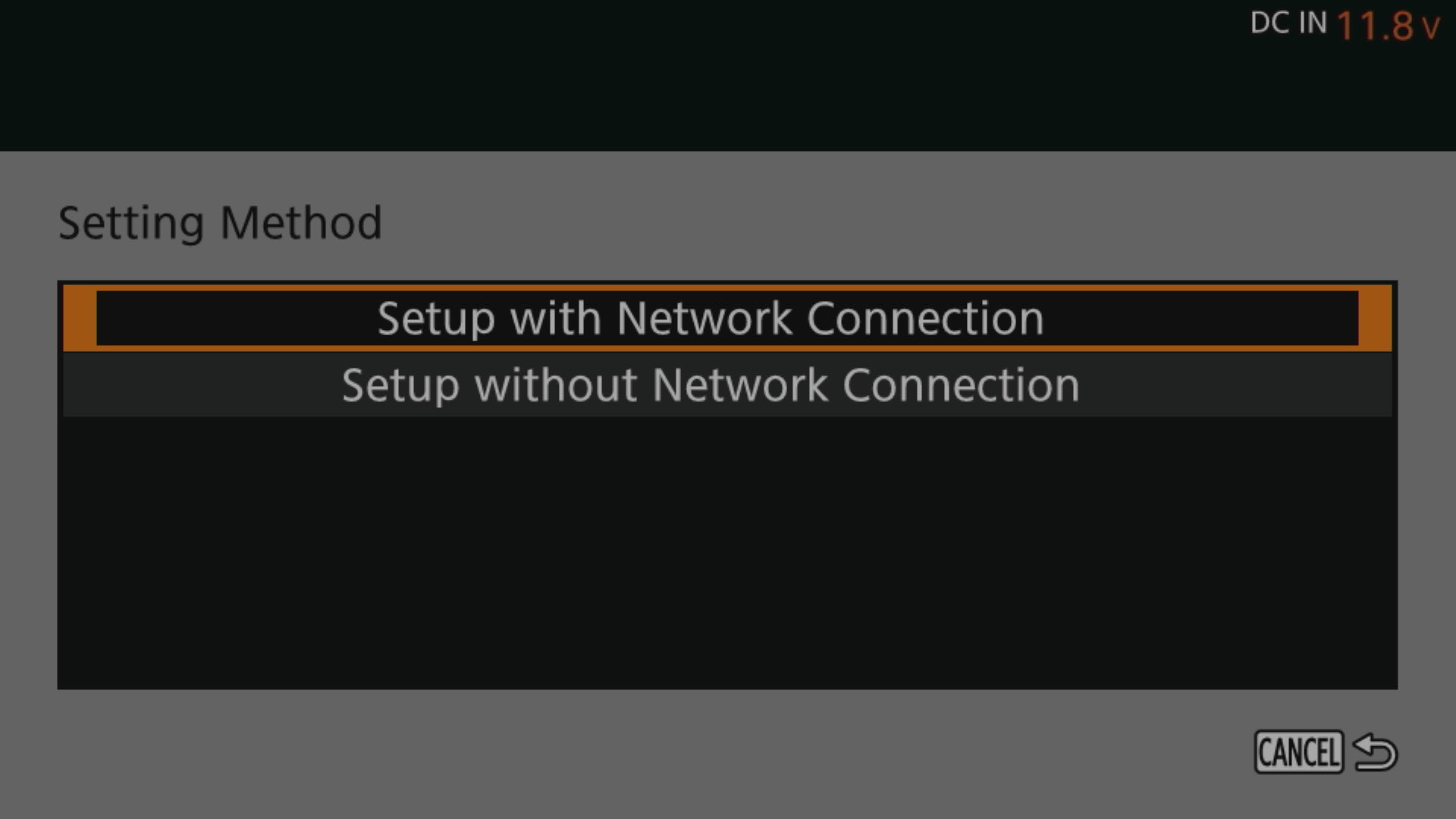
For Setting Method, choose Setup with Network Connection
-
For IP Address Settings (IPV4), choose Manual Setting, then enter a valid IP
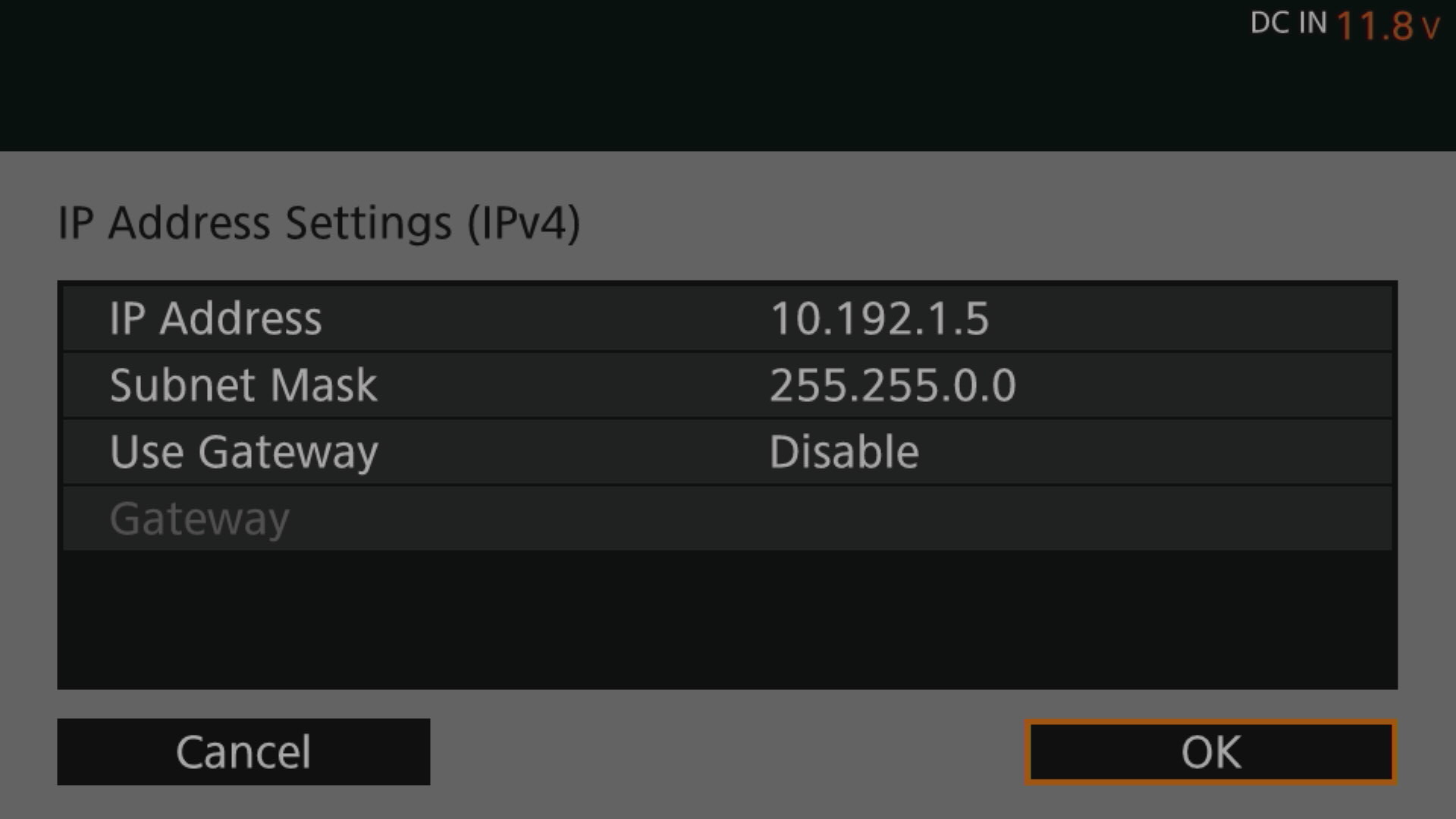
-
For XC Protocol, choose Create New Func. Setting
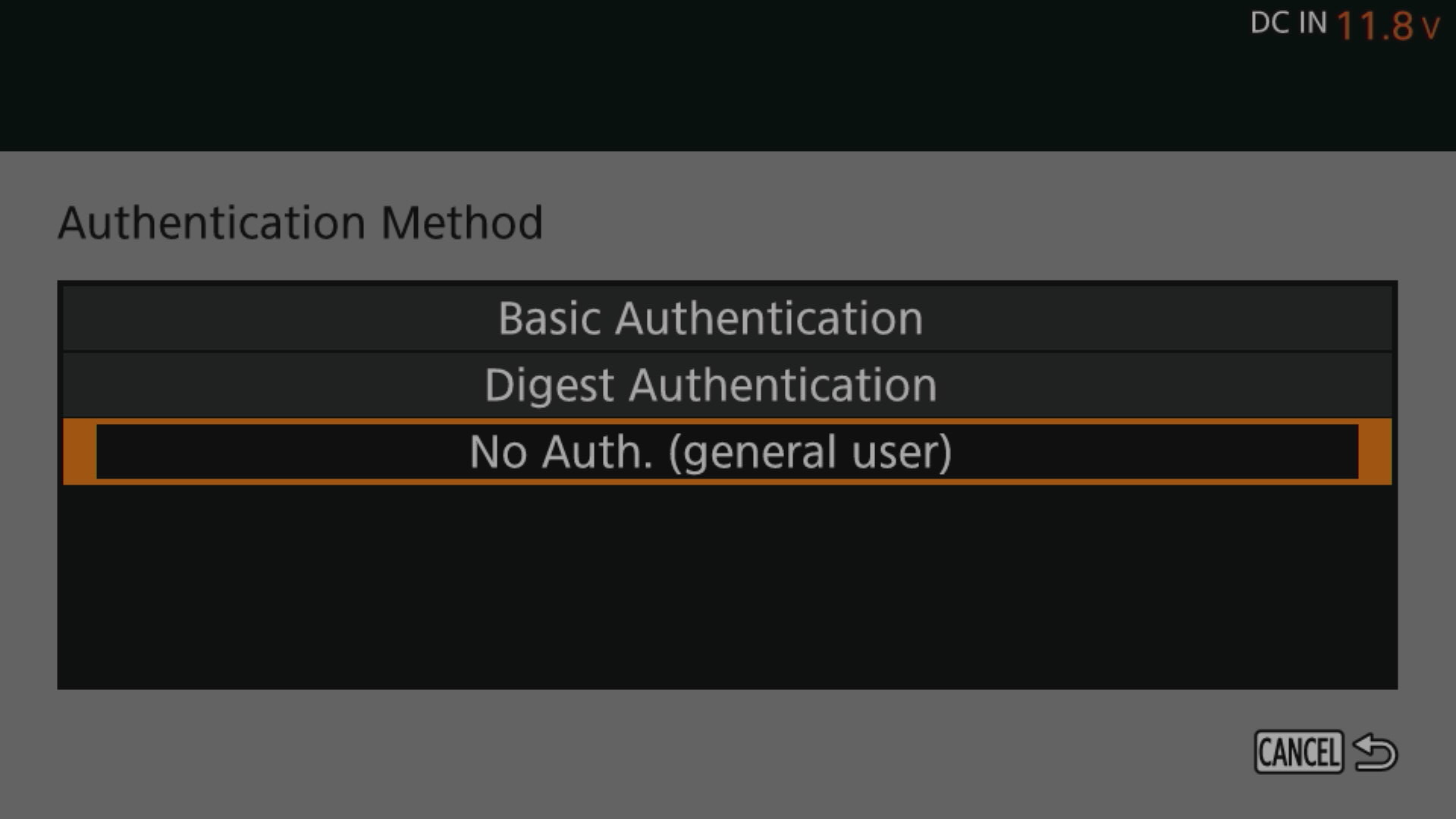
-
For Authentication Method, choose No Auth.
If your camera IP is not in the 10.192.0.0/16 range, see IP Configuration.
For control:
- In the
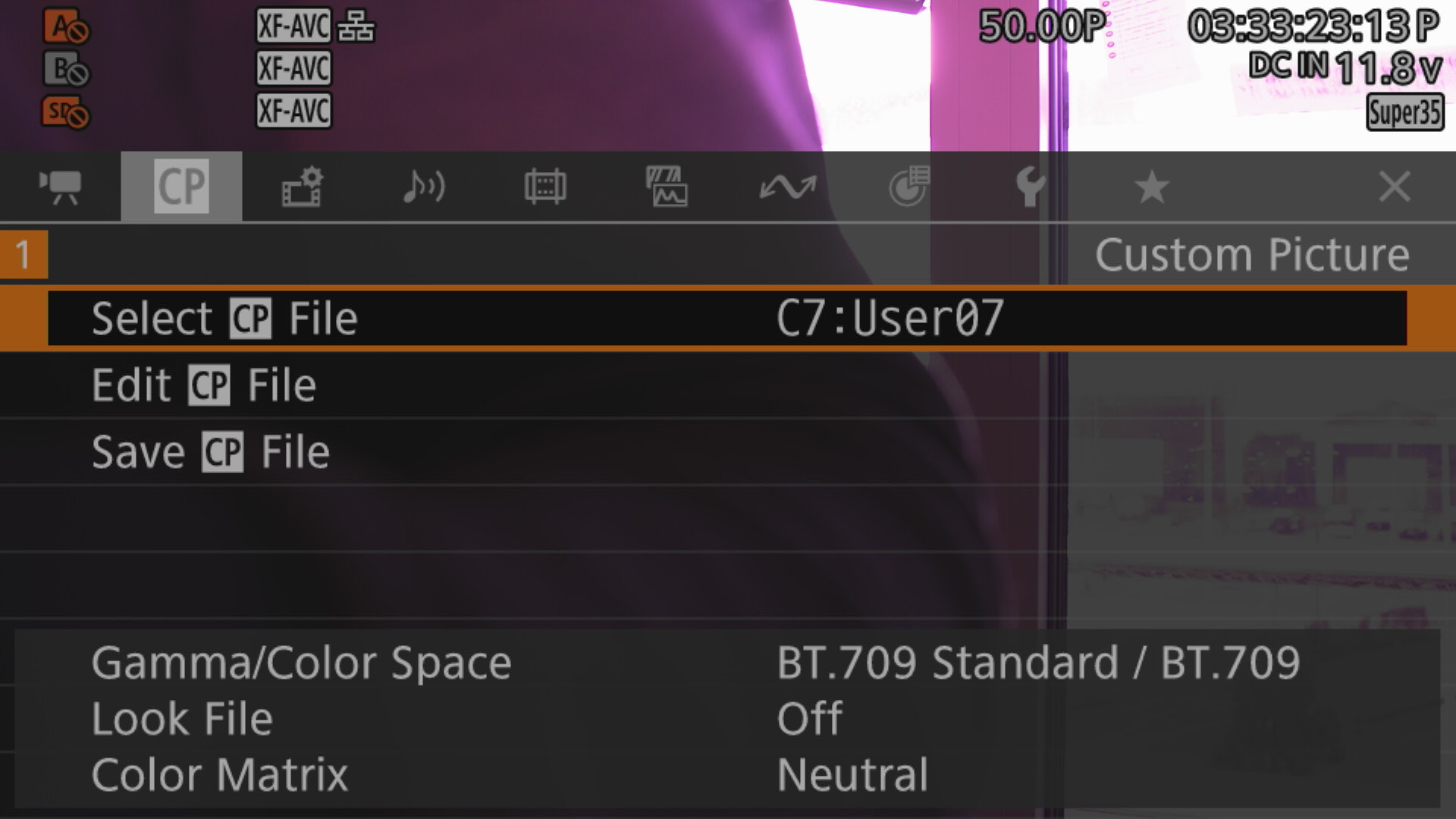
Custom Picturemenu, select UserXX - Edit it and set Color Space to BT.709 Standard to access advanced shading (detail, etc.)
RCP/RIO Configuration
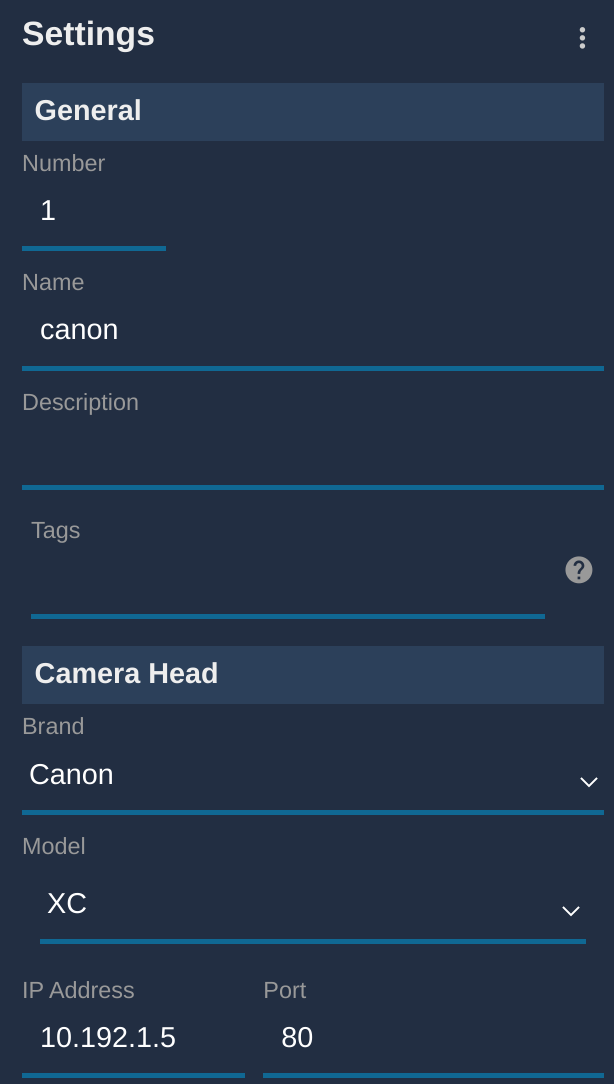
- Add a new camera in the RCP configuration UI
- Enter a custom number, name, etc.
- Select brand: Canon
- Select protocol: XC
- Enter the camera's IP address
The setup should look like this:
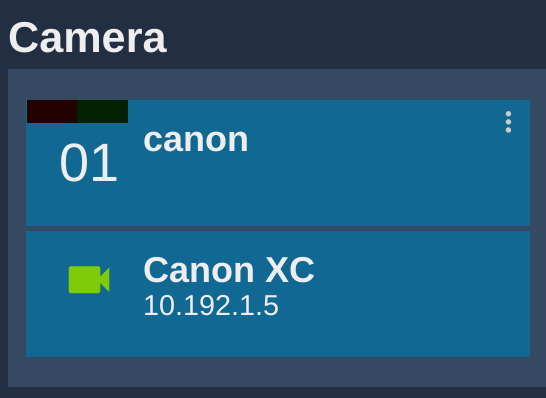
Once correctly connected, it turns green.
Troubleshooting
No paint control
- Make sure your camera is not in ATW.
- Make sure your camera's Custom Picture profile is unprotected:
- Open the menu (this can be done from the RCP)
- Navigate to CP
- Click Edit CP File
- Make sure Protect is set to Unprotect