BGH1 / BS1H
https://support.cyanview.com/docs/Integrations/Panasonic/BGH1
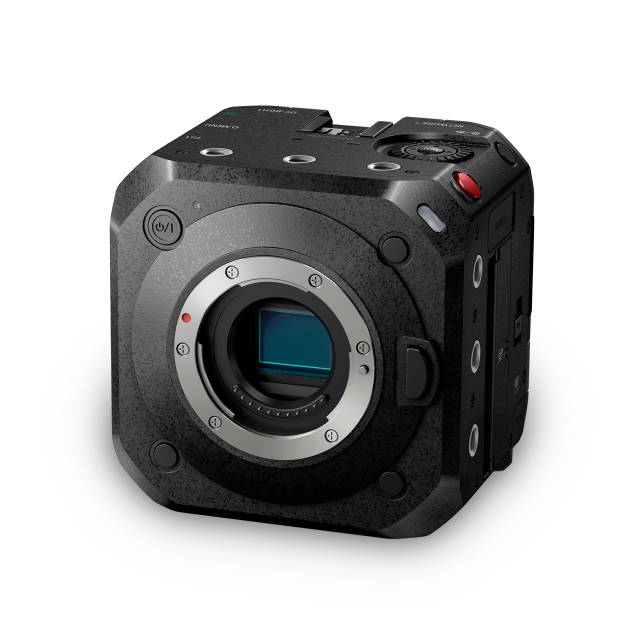
Supported Models
- Panasonic Lumix BS1H
- Panasonic Lumix BGH1
Supported Controls
| Control | BS1H | BGH1 |
|---|---|---|
| Exposure (Iris, Gain, Shutter) | ✓ | ✓ |
| Auto exposure / Manual | ✓ | ✓ |
| White balance (R/B and color temperature) | ✓ | ✓ |
| ATW (Auto Tracking White) / AWB / Manual | ✓ | ✓ |
| Master Black | ✓ | - |
| Camera menu navigation | ✓ | - |
| Record / Stop | ✓ | ✓ |
| Autofocus / Manual (see Known Limitations) | ✓ | ✓ |
Connection
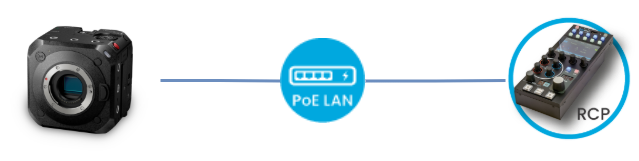
The camera is controlled over IP. Its LAN port at the back can simply be connected to a PoE+ switch, or to a regular switch when the camera is powered through its AC adapter.
Configuration
Camera Configuration
The camera can only be paired with one controller: either the LUMIX Tether software or the RCP. Unfortunately, it cannot be controlled by both without resetting the camera settings in between. Once paired with an RCP, you can use any other RCP, as they share the same identity. The LUMIX Tether software will no longer work (even with the correct password); another camera reset is needed to switch the pairing back to the software.
-
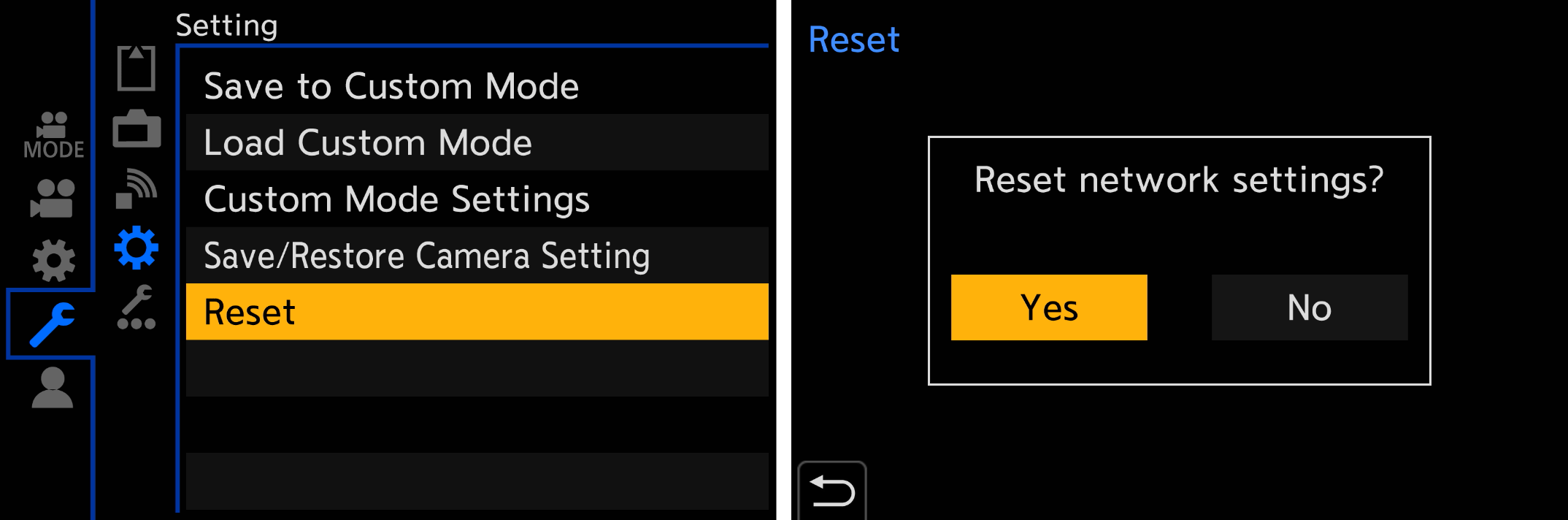
Reset the camera's network settings to remove the current password
-
Configure the camera's IP address (either DHCP client or static IP; see the Panasonic manual for details)
Network Configuration
If the RCP doesn't have an IP address in the same range as the camera, add one in the LAN section by following IP Configuration.
Adding the Camera
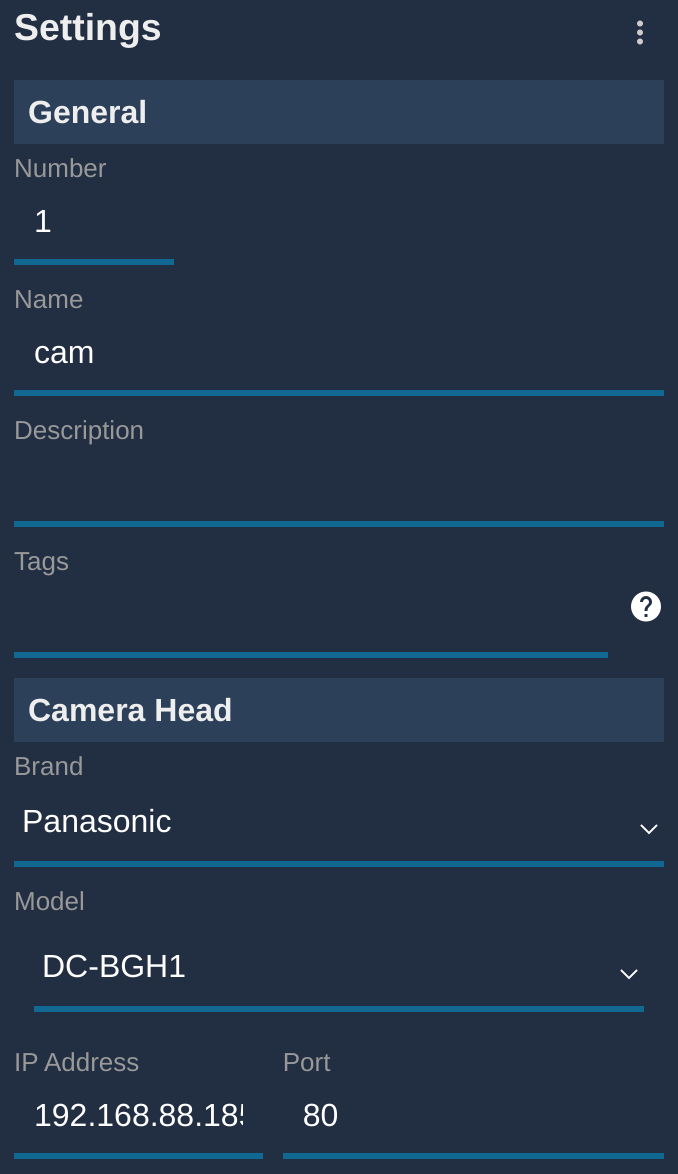
- Click "+" in the camera block (a new panel appears on the right)
- Under "General", set a number and a name
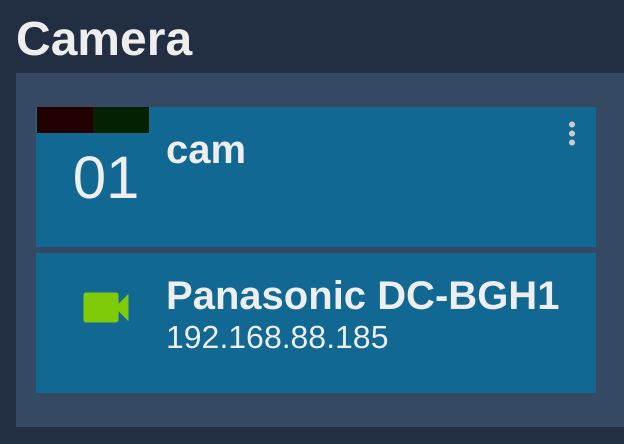
- Select brand: Panasonic and model: DC-BGH1 (the BGH1 and BS1H use the same protocol and model)
- You don't need to set a login/password. Leave these fields empty and the RCP will assign
abcDE12345as the password (this password can't be used with any other application anyway)
Known Limitations
Manual focus shows no values but can be controlled by turning the focus encoder. Focus is controlled by sending steps in one direction or the other. The protocol provides no absolute value, so the RCP can't display anything. As a result, this can only be used for static positions, not for focus on dynamic shots such as on a drone or Polecam. An external motor such as Tilta can be used for dynamic focus and zoom control of photo lenses.