P2HD
https://support.cyanview.com/docs/Integrations/Panasonic/P2HD
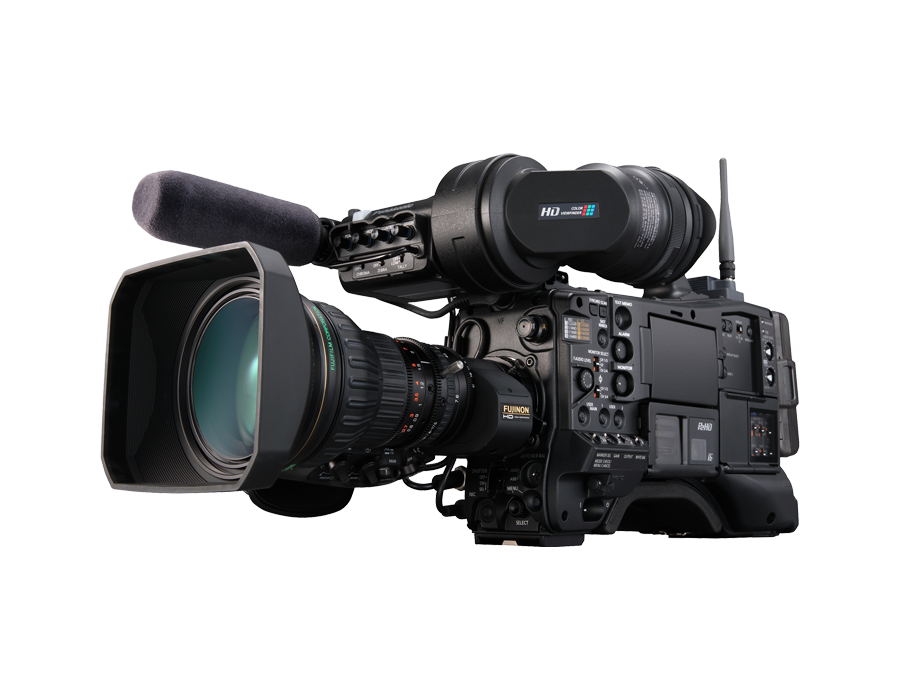
Supported Models
These are the newer P2HD models controlled over IP (RJ45 connector at the back). For older models, see P2 serial.
- AJ-PX270
- AJ-PX380
- AJ-PX800
- AJ-PX5000
- AJ-PX5100
Supported Controls
The control protocol and available features are the same across all models. However, only certain camcorder parameters can be adjusted; some, such as color temperature, can be monitored but not modified.
| Control | Notes |
|---|---|
| Exposure (Iris, Gain, Shutter) | |
| Auto exposure (Iris) | |
| Synchro Scan | |
| ND | Value display only, as ND is not motorized |
| White balance (R/B gains) | |
| AWB | |
| Black level and balance (R/B/Master) | Including ABB |
| Detail | ON/OFF; level is display only |
| Knee | ON/OFF only; other parameters cannot be controlled |
| Menu navigation | OUT1 controls the camera's CHAR display function, but it is not clear what actually changes on the camera |
| Tally | Red works; the camera acknowledges green, but it was not seen displayed |
| Bars |
Limitations
When the camera is connected to a controller, whether the Cyanview RCP or the Panasonic ROP, some functions are disabled and cannot be changed from the camera itself, and sometimes not even from the camera menus.
The following limitations have been observed:
- Auto iris activated at startup: the AJ-PX5100 (written "AJ-PX51000" in the official text), and potentially other models, activate auto iris on power-up. The RCP displays this state, and you need to switch iris back to manual.
- CHAR (character display): the RCP can control menu navigation, and most settings can be adjusted this way if CHAR is enabled on the SDI output. However, CHAR cannot be activated from the RCP, even though the camera appears to support it. Enable CHAR manually in the camera menus before connecting the RCP.
- Detail level: displayed but cannot be changed while under control. To change it, disconnect the Ethernet cable, reboot the camera and adjust the value in the camera menus. Once reconnected, detail can be toggled on/off from the RCP, but the level remains unchangeable, even from the camera menus.
- Color temperature: cannot be adjusted directly. White balance control is limited to selecting memory "A", "B" or "Preset". In "A" or "B", AWB can be triggered so the memory stores a new color temperature. "Preset" is a fixed value that can only be changed in the camera menus. One workflow is to assign color temperatures to all memories beforehand and switch between them from the RCP, or to use AWB to assign a color temperature automatically. Also, in "Preset" mode the camera incorrectly reports ATW as active even though it is not in ATW mode; this appears to be an erroneous status from the camera.
Wiring
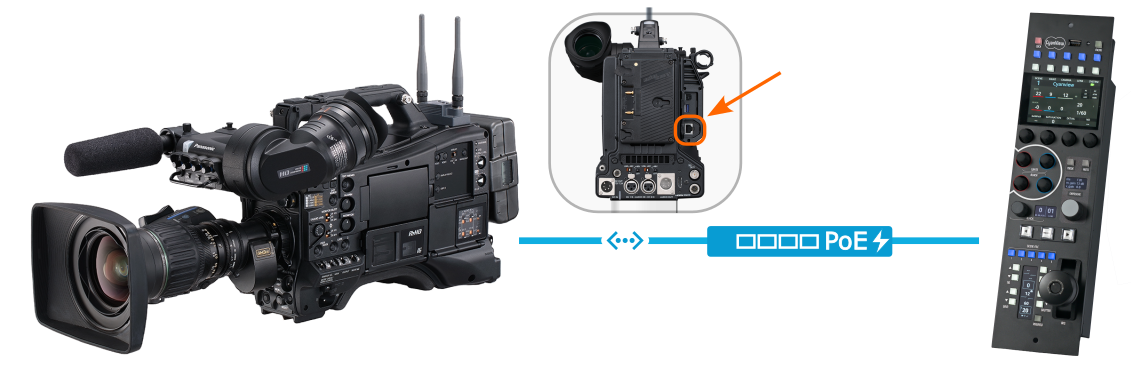
A simple Ethernet connection between the camera and the RCP is sufficient for IP control.
Configuration
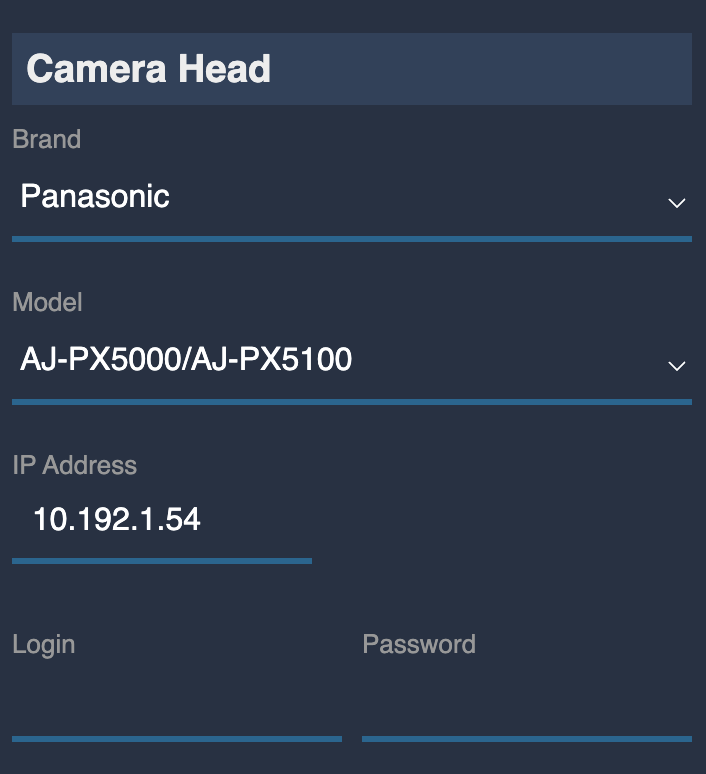
This is the standard configuration for IP cameras: you only need to enter the camera's IP address; no username or password is required. Each model has its own entry in the list.