Studio
https://support.cyanview.com/docs/Integrations/Panasonic/Studio
Supported Models
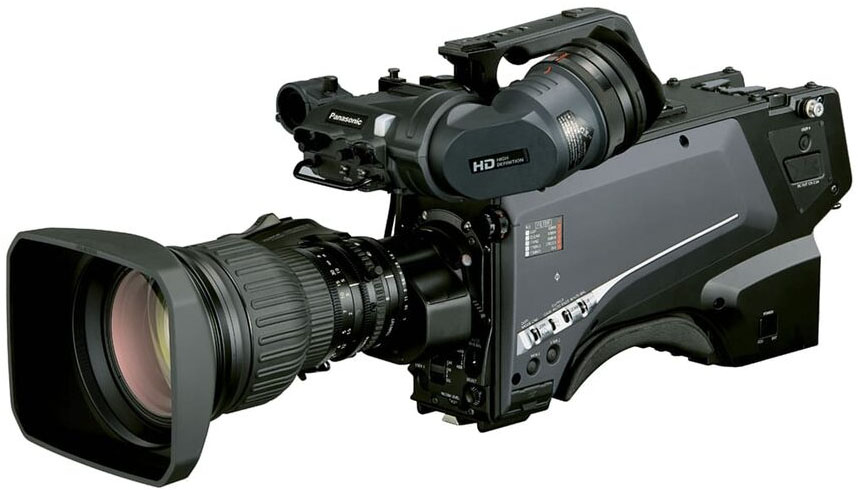
Panasonic studio cameras can be controlled through the CCU, or directly through the camera head without a CCU. The following models are supported:
- AK-UC4000
- AK-UCX100
- AK-UC3300
- AK-PLV100GSJ
- AK-HC3900
Development was done using a UC4000, and it has been reported to work correctly with the PLV100. It should work with the other models, but they have not been tested yet.
Controls and Wiring
As studio camera systems, these models offer comprehensive control via RCP, and the Cyanview integration supports virtually all available camera paint functions.
Controlling the Camera Head Only
Control is over IP, so you need to connect your RCP or RIO to the same network as the camera. The camera has an RJ45 connector for this.
Although the camera also has a serial remote control port, this is a legacy protocol that is not supported and is of no interest today.
Controlling Through a CCU
The camera can also be controlled through the CCU. In that case, the target IP address in the configuration is the CCU's IP address, not the camera's.
All controls are forwarded to the camera except tally. The only ways to receive tally are a physical GPI connection or TSL sent directly to the CCU. The RCP currently can't send TSL to a CCU (this is planned), so for now you must provide tally directly to the CCU.
Setup
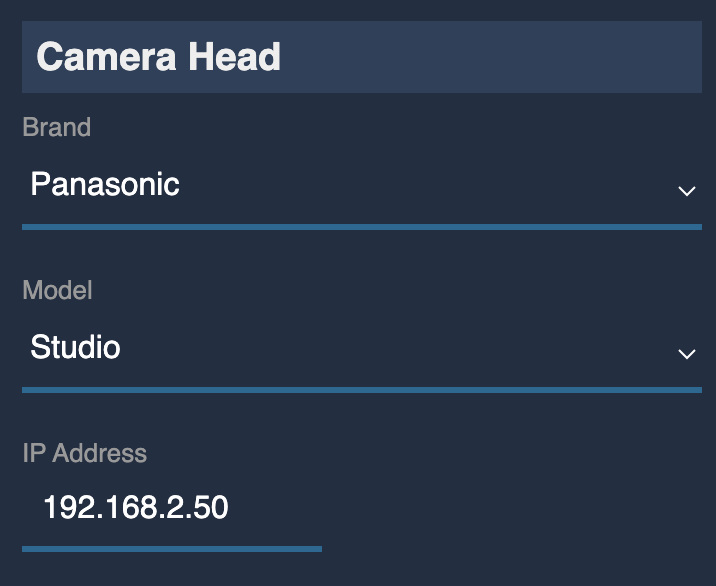
On your RCP/RIO, set up a new camera in the RCP configuration UI:
- Select brand: Panasonic
- Select model: Studio
- Enter the IP address of the CCU, or, without a CCU, the IP address of the camera head