UB10 / UB50
Source
This content is based on Cyanview's official manuals. Always check the official page for the latest information and precise specifications.
https://support.cyanview.com/docs/Integrations/Panasonic/AW-UB
https://support.cyanview.com/docs/Integrations/Panasonic/AW-UB
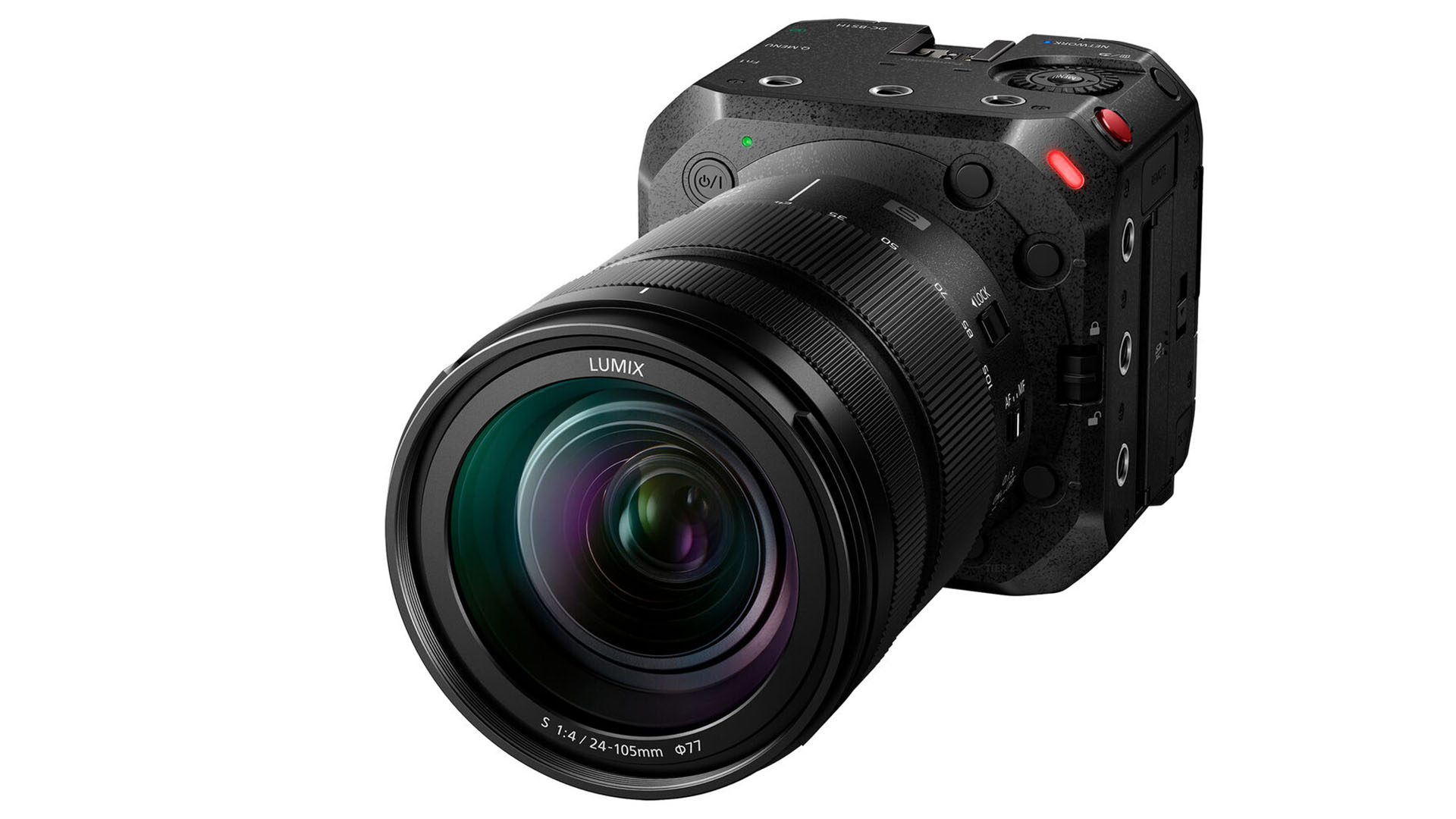
Supported Models
- AW-UB10
- AW-UB50
Both models share the same control protocol and feature set.
Supported Control Features
| Feature | Description |
|---|---|
| Exposure control | Iris, gain, shutter |
| Auto exposure | Iris, gain, shutter |
| Syncro scan | Supported |
| White balance | R/B and color temperature |
| ATW/Manual | Supported |
| Black level/balance | Master, R, B |
| Detail | Supported |
| Skin detail | Skin tone correction |
| Knee adjustment | Point, slope |
| User matrix | 6 values |
| Multi matrix | 16 vectors |
| Menu navigation | Supported |
| Lens control | Zoom, focus, autofocus |
| Digital zoom | Supported |
| Tally | Red only |
| Color bars | Supported |
Connection
The camera is controlled over IP using the same protocol as Panasonic controllers such as the RP150. For details, see the "Remote Operations > Controlling with Controller" section of the camera manual. It is equipped with a standard RJ45 connector, so no special additional configuration is required.
:::caution About Credentials Use the credentials assigned with "EasyIP SetupTool", not the login and password set on the camera. The credentials configurable directly on the camera are for Lumix Tether; the RCP needs different credentials, which must be set using either "EasyIP SetupTool Plus" or "Media Production Suite". :::