Varicam
Source
This content is based on Cyanview's official manuals. Always check the official page for the latest information and precise specifications.
https://support.cyanview.com/docs/Integrations/Panasonic/Varicam
https://support.cyanview.com/docs/Integrations/Panasonic/Varicam
Supported Control Features
Tally (red, green, call), OSD/menu, lens, iris, gain (master, red, blue), blacks (master, red, blue), white clip, shutter, knee, saturation, detail, and multi-matrix are all supported.
Compatible Cyanview Devices
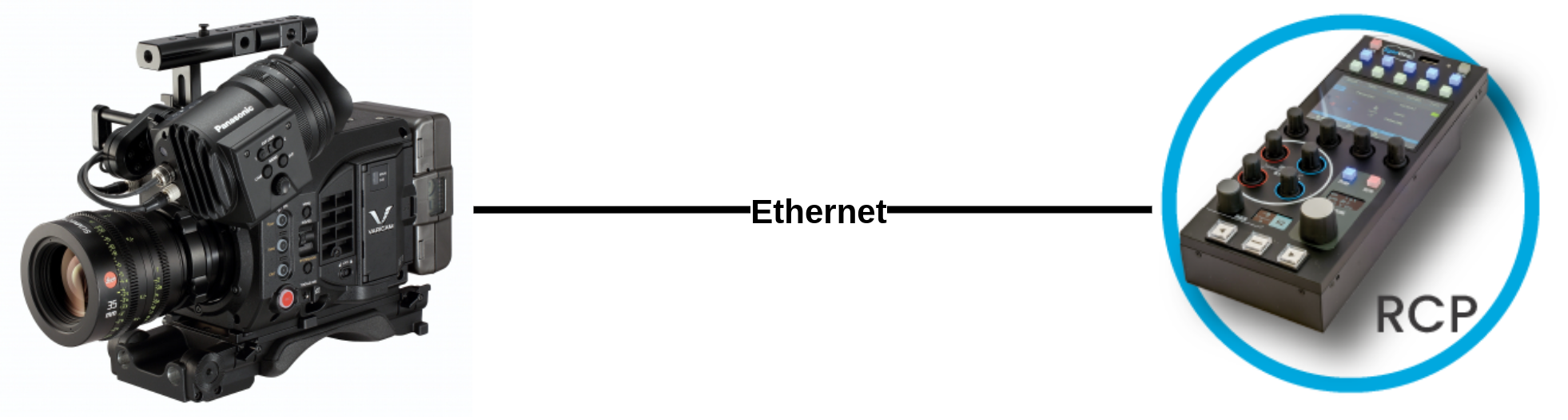
- RCP: Supports local (LAN) and remote control (over the internet)
- RIO: Supports remote control (over the internet)
Connection
Designed for IP connection, enabling remote control over the internet.
Setup Procedure
Camera side:
- Configure a static IP address
- Username/password:
guest/p2guest
RCP side:
- Make sure the RCP is on the camera's network with a compatible IP address (see IP Configuration)
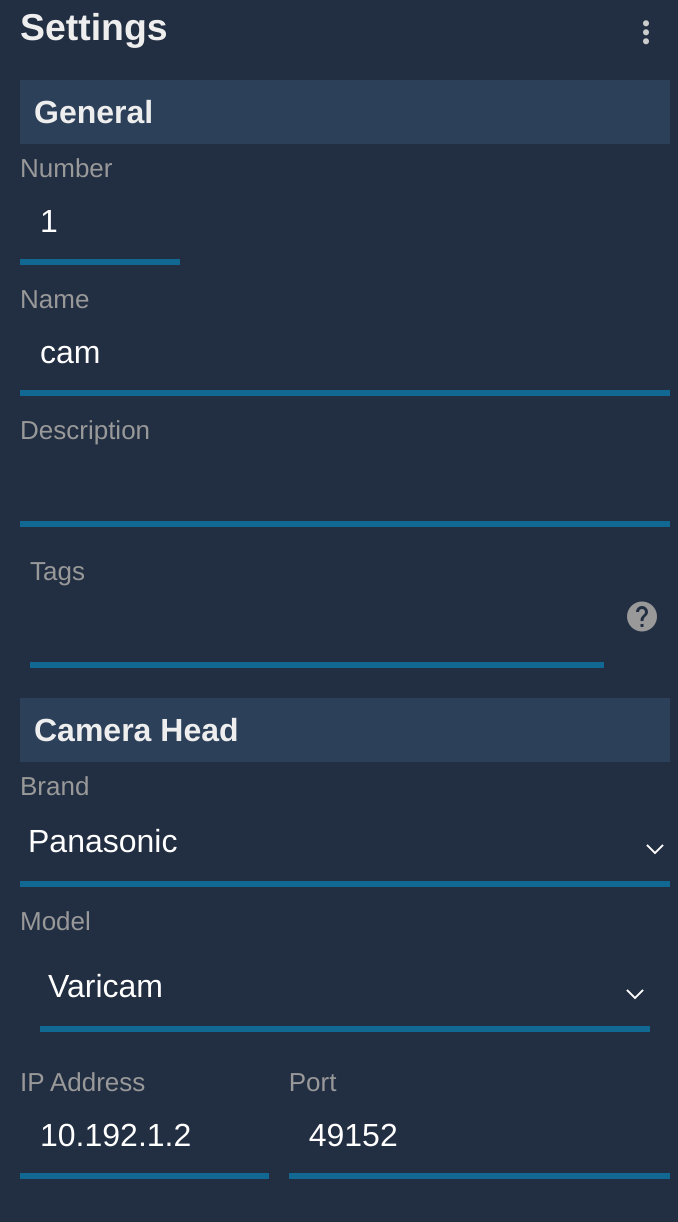
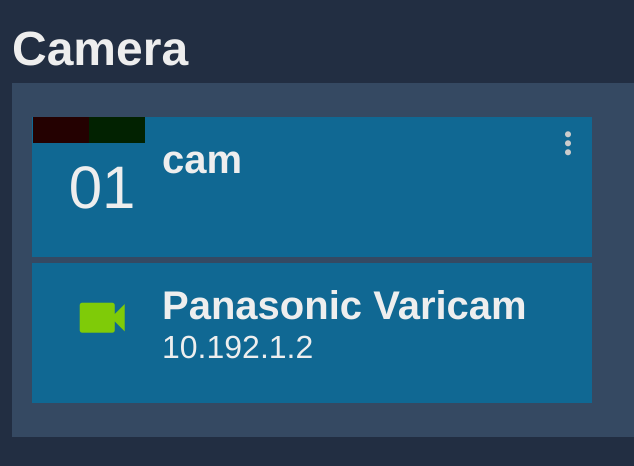
- Add a new camera in the RCP setup UI
- Select brand: Panasonic, model: Varicam
- Enter the camera's IP address