Sony Supported Models
Source
This content is based on Cyanview's official manuals. Always check the official page for the latest information and precise specifications.
https://support.cyanview.com/docs/Integrations/Sony/
https://support.cyanview.com/docs/Integrations/Sony/
How a Sony camera connects depends on its type. First check which type your camera belongs to, then go to the page for your model.
Connection by Camera Type
CCUs and Camcorders
If your camera (or CCU) has an RJ45 (LAN) port, it can be controlled over IP.
caution
Only bridge mode is supported, not MSU (Master Setup Unit).

The other option is the 8-pin (8P) remote port, which offers the same controls but requires a CI0 or RIO. See Sony 8-Pin for details.

:::info Typical use cases
- You want a simple and compact solution to shade all your Sony CCUs
- Remote production :::
PTZ Cameras
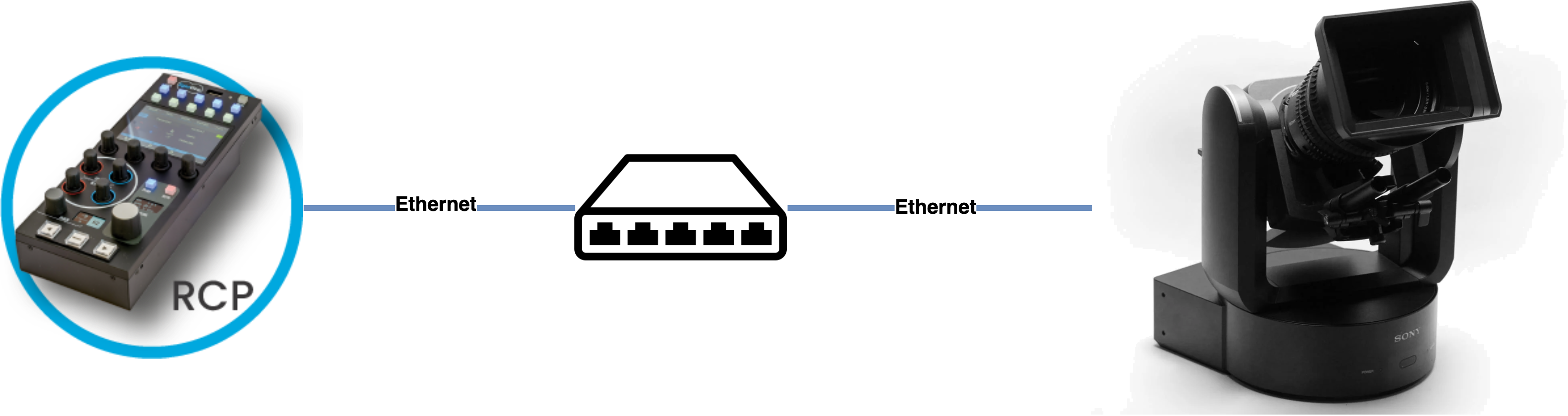
- FR7 — PTZ
- BRC series — X1000, X400, H900, H800 over IP
:::info Typical use case You already have a PTZ panel and are looking for an RCP to shade all your PTZ cameras. :::
Cinema Cameras
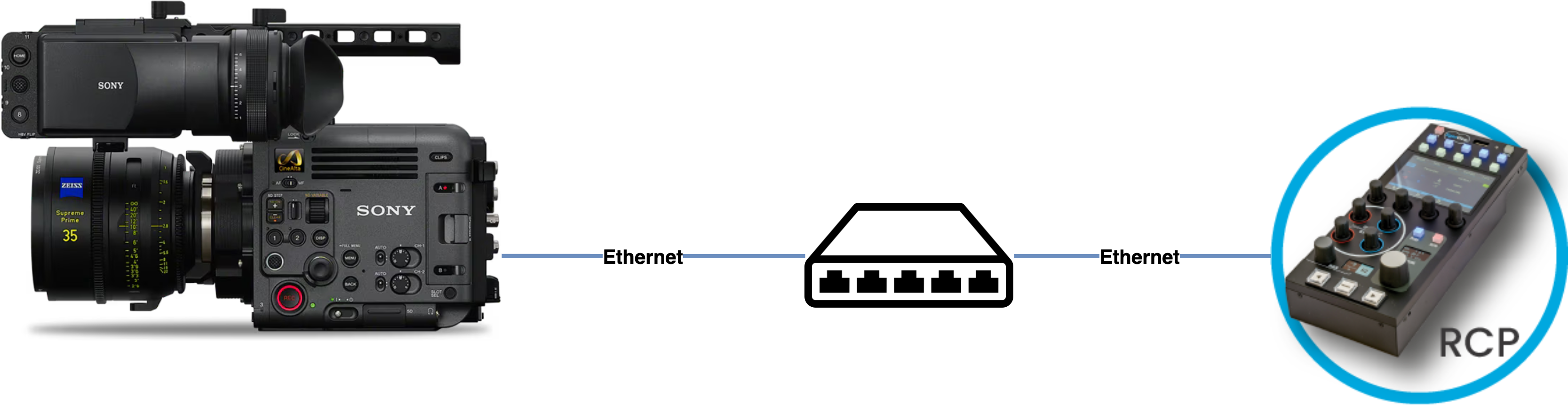
- Sony FX3/FX30 (and other mirrorless cameras such as the A7S, A1, etc.) — controlled over USB
- Sony FX6 — controlled over IP
- Sony FX9 — controlled over IP
- Sony Burano — controlled over IP
- Sony Venice — controlled over the 8-pin remote connector (requires a CI0/RIO). See also Sony Venice for Venice-specific information
- Sony FR7 — controlled over IP
About lenses:
- With Sony E-mount lenses, nothing else needs to be added.
- With Fujinon or Canon motorized lenses, the camera and the lens can be controlled in parallel.
- If your lens is not motorized, you can add Tilta motors or ARRI C-Force.
Sony Alpha (Mirrorless)
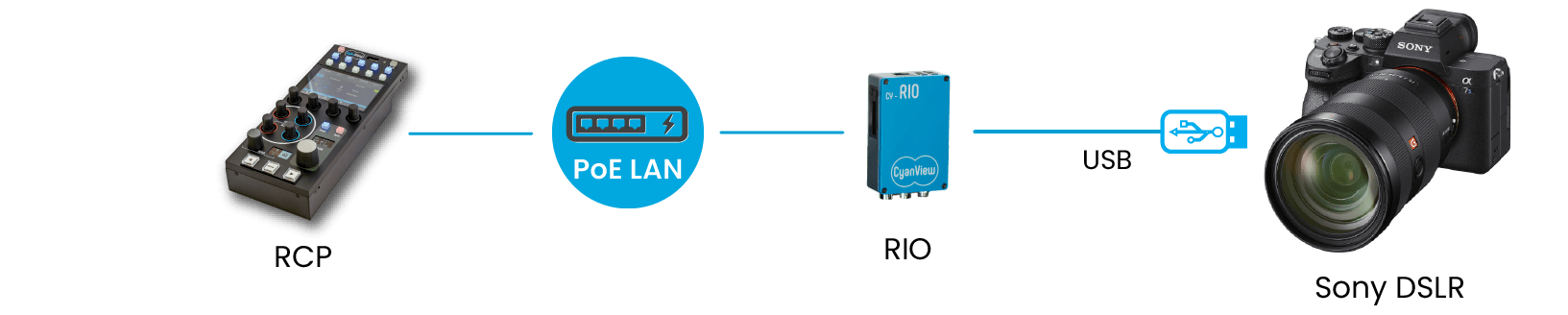
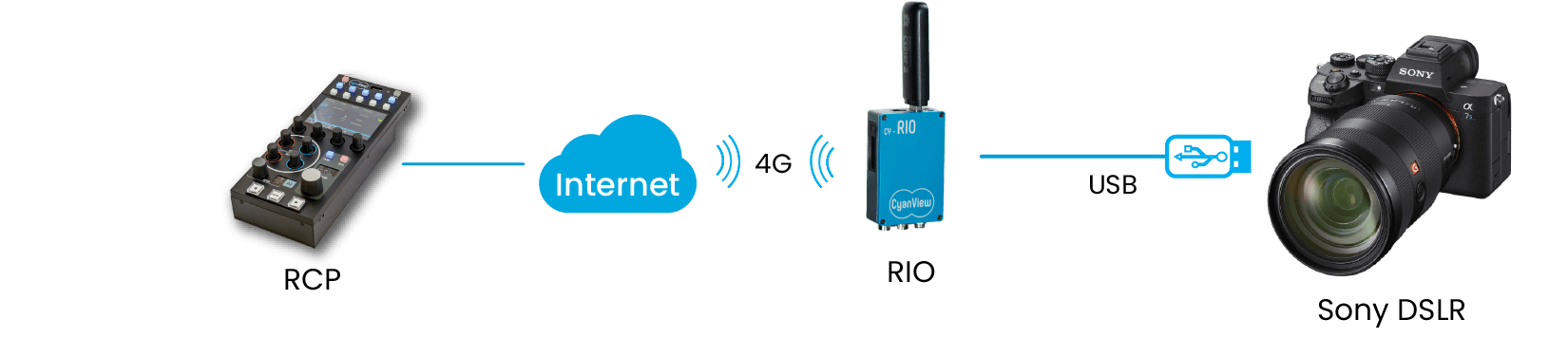
- Sony Alpha — controlled over USB, or over IP using a RIO
:::info Typical use case On a gimbal used as a light steadicam. :::
Camera Blocks

- PXX series — controlled over the 8-pin remote connector (requires a CI0/RIO)
- FCB series — controlled over the serial connector (requires a CI0/RIO)