Sony 8-Pin
https://support.cyanview.com/docs/Integrations/Sony/Sony8Pin
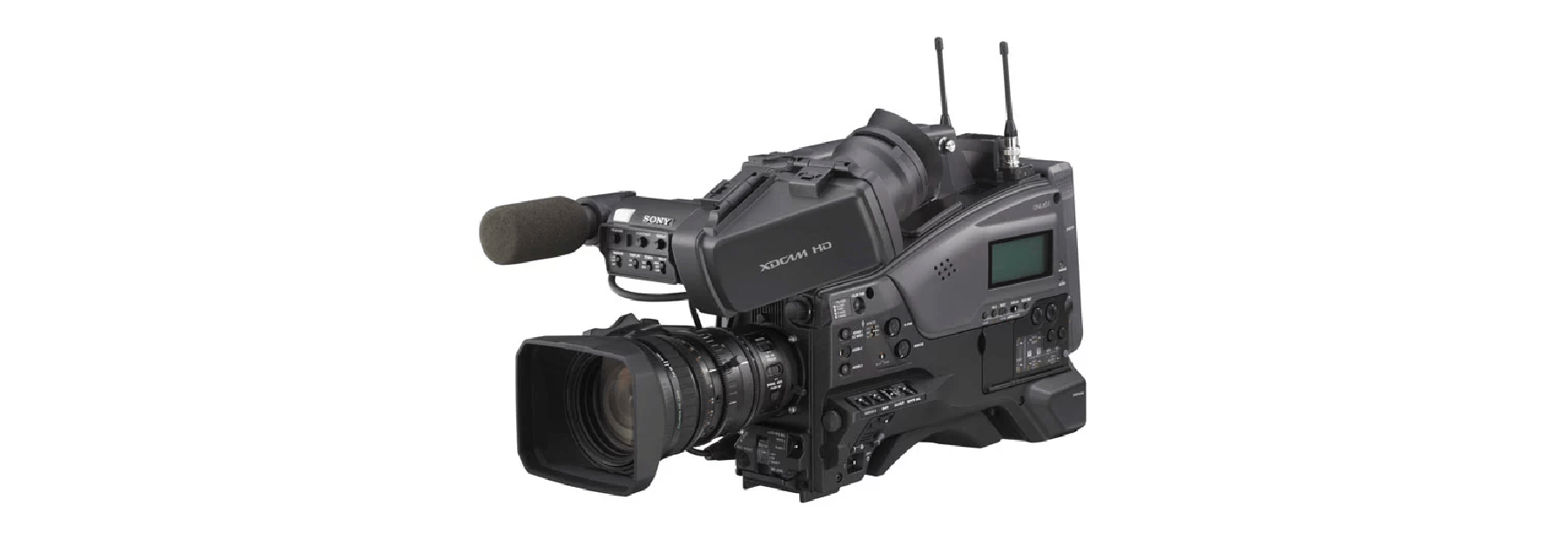
This page covers Sony cameras that have an 8-pin remote connector.

These cameras can be controlled directly from a CI0 (locally) or via a RIO (remotely).

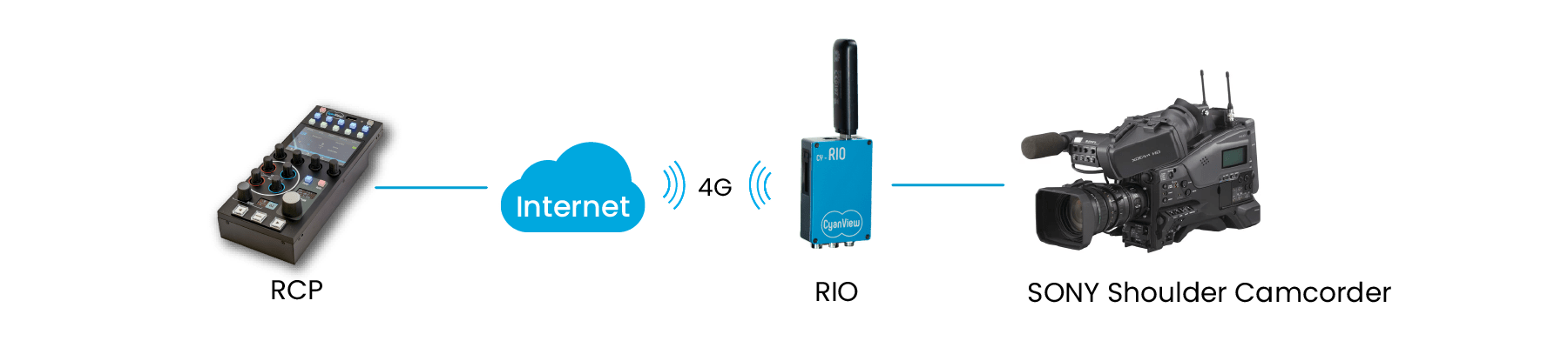
Connection
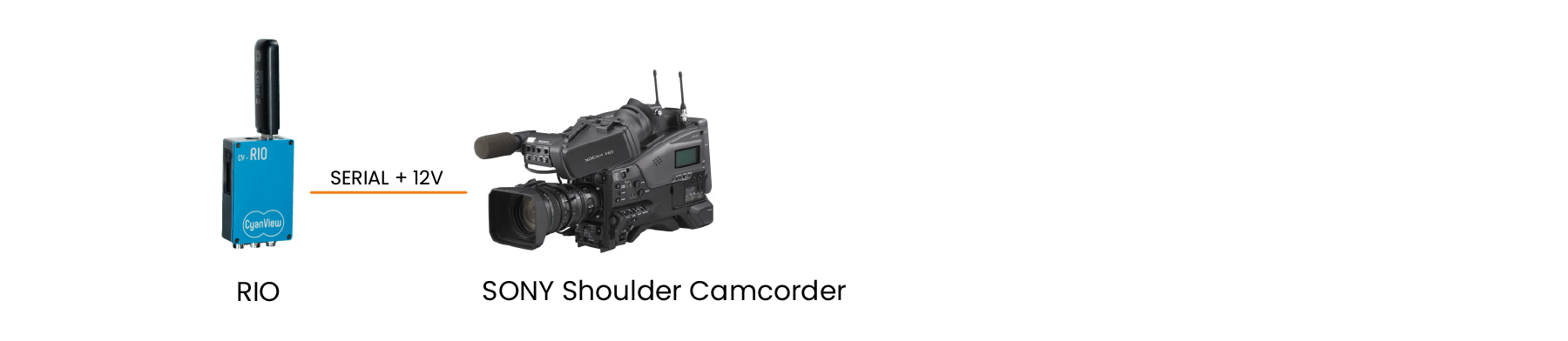
- Connect the camera's Remote connector to the CI0/RIO using the CY-CBL-SONY-8P-03 cable (see the Cable Catalog).
- The camera can power the RIO through this cable.
:::caution Watch out for boot loops On some camcorders, when the cable reference is CY-CBL-6P-SONY-8, the RIO needs an external power supply to avoid a boot loop:
- The camera starts
- The camera powers the RIO
- The RIO starts and begins controlling the camera
- The camera switches from uncontrolled to controlled and requires a power cycle (back to step 1)
Use an external power supply (or a D-Tap cable from external batteries) so that the RIO starts before the camera.
When a CY-CBL-6P-SONY-8-03 is used, there is no boot loop. :::
Some cameras require a software update before they can be remotely controlled. This is the case, for example, for early versions of the PXW-Z450.
Setup Steps
- Connect the camera to the CI0/RIO with the CY-CBL-SONY-8P-03 cable
- Power on the camera
- Add the camera in the RCP configuration UI
- Brand: Sony
- Model: Legacy
- Select the CI0/RIO and port the camera is connected to
- Open the RCP menu
Cam > Tallyand try turning tally ON and OFF with the Tally Red encoder - If tally works, you're good to go
- If it doesn't, try turning ON and OFF the Call encoder in the same
Cam > Tallymenu. If Call works but Tally RED doesn't, change the camera model from Legacy to Camcorder
:::note About RS422 Some cameras (HXC-D70, CA-FB70, etc.) need to be configured for RS422 to work properly with the system. For an example, see the "Outputting Trunk Signal" section of the CA-FB70 manual. :::