About IJ (Iris Joystick)
Product information
For product overviews, specifications, and purchase inquiries, see the product page of VILLAGE island, the distributor in Japan.
https://village-island.com/en/products/cyanview/
https://village-island.com/en/products/cyanview/
Source
This content is based on Cyanview's official manuals. Always check the official page for the latest information and precise specifications.
https://support.cyanview.com/docs/Manuals/IJ/IrisJoystick
https://support.cyanview.com/docs/Manuals/IJ/IrisJoystick
The Iris Joystick (IJ) is the iris joystick fitted to the RCP-J, the joystick variant of the RCP. This category explains how to assign the IJ to the RCP, calibrate it, and use it.
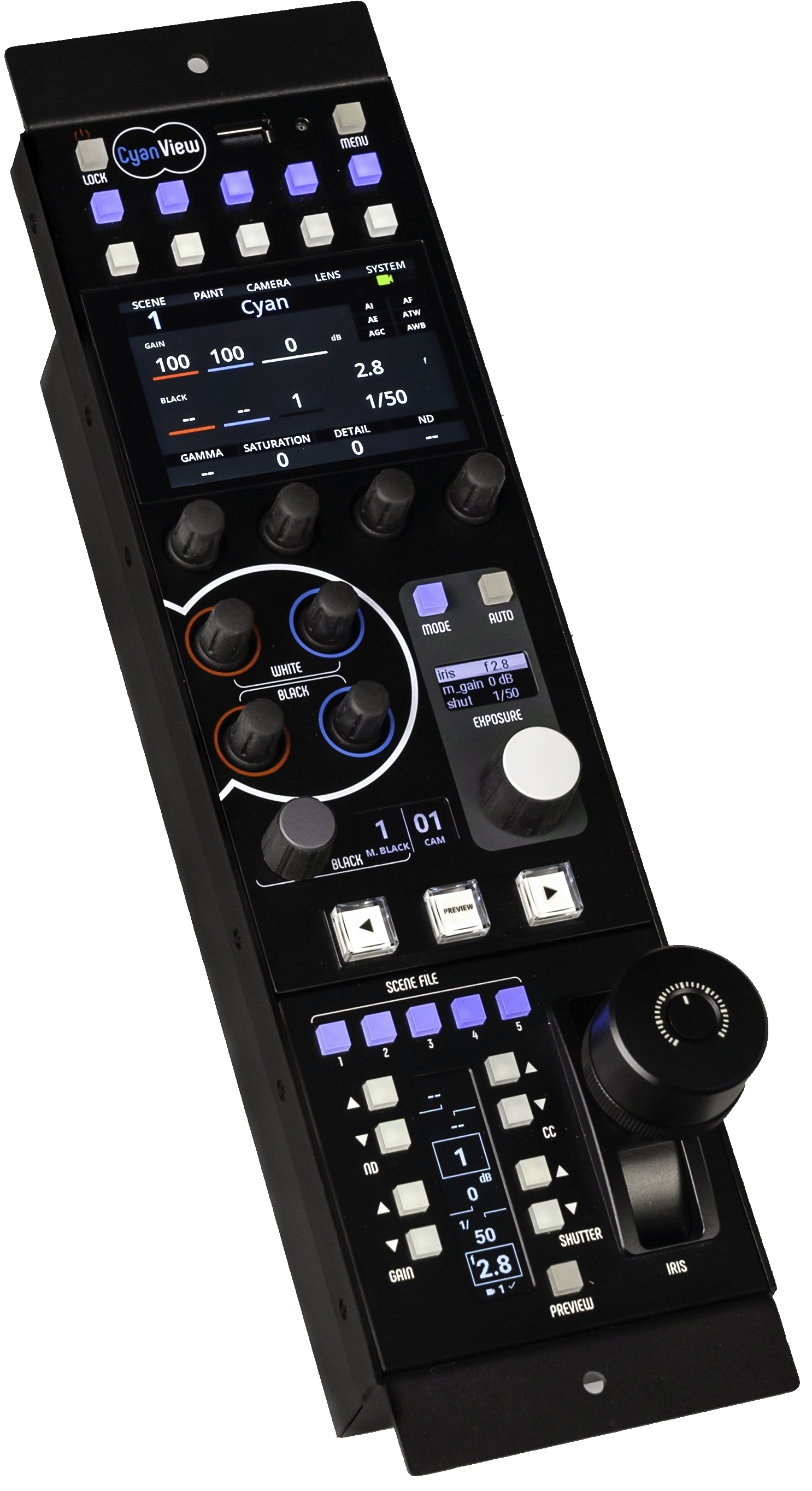
Getting Started
- The RCP-J itself is configured just like a standard RCP. First set up your cameras following Getting Started
- Assign the joystick to the RCP and calibrate it (see Configuration)
- For operation, see Usage
caution
On the RCP-J, the joystick may remain in "Waiting for connection" after a system update. If so, force the bootloader.
Manual
For configuration (assigning to the RCP, calibration), usage, and troubleshooting, see the IJ Manual.