Integrating Lens Control
https://support.cyanview.com/docs/Integrations/Generic/Lens
This page explains how to set up lens control in parallel with camera control. Typical use cases:
- The camera cannot control the lens
- The lens is not compatible with the camera (e.g. a Fujinon Cabrio lens on a Sony FX9)
How it works: iris/zoom/focus changes are sent to the lens, and shading changes are sent to the camera. This is transparent for the vision engineer on the RCP.
Lens Compatibility
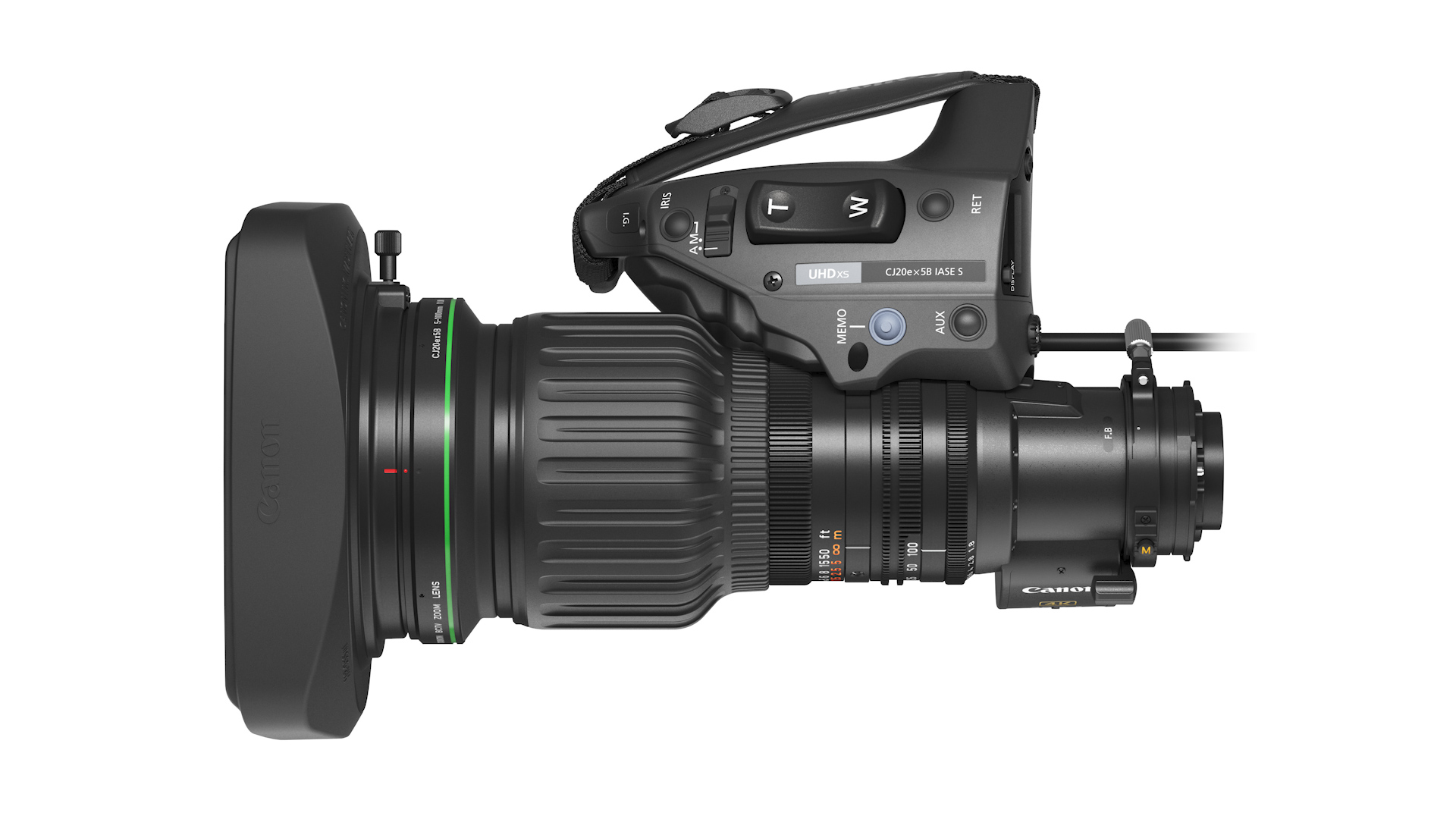
Specialty: B4 ENG Lenses
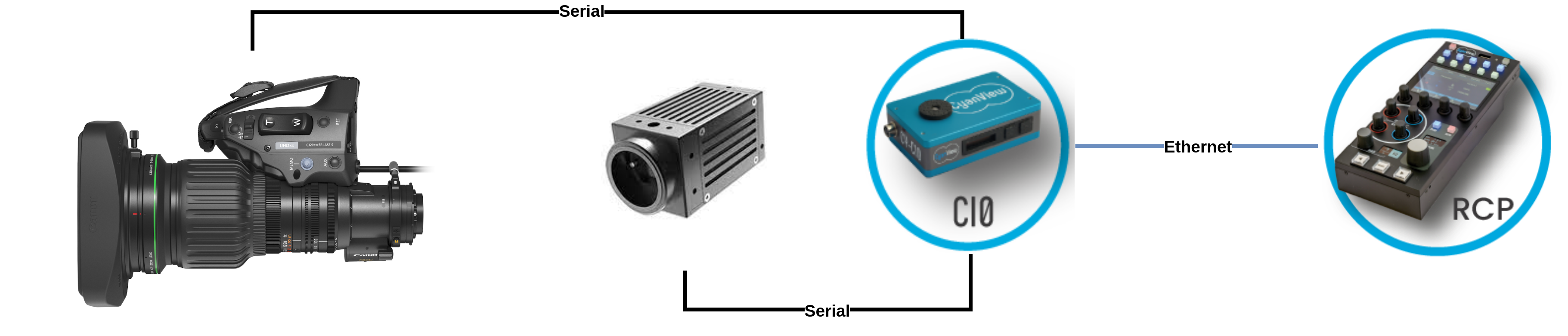
For specialty and robotic applications, see Integrating a B4 Lens.
Cine/Photo Lenses
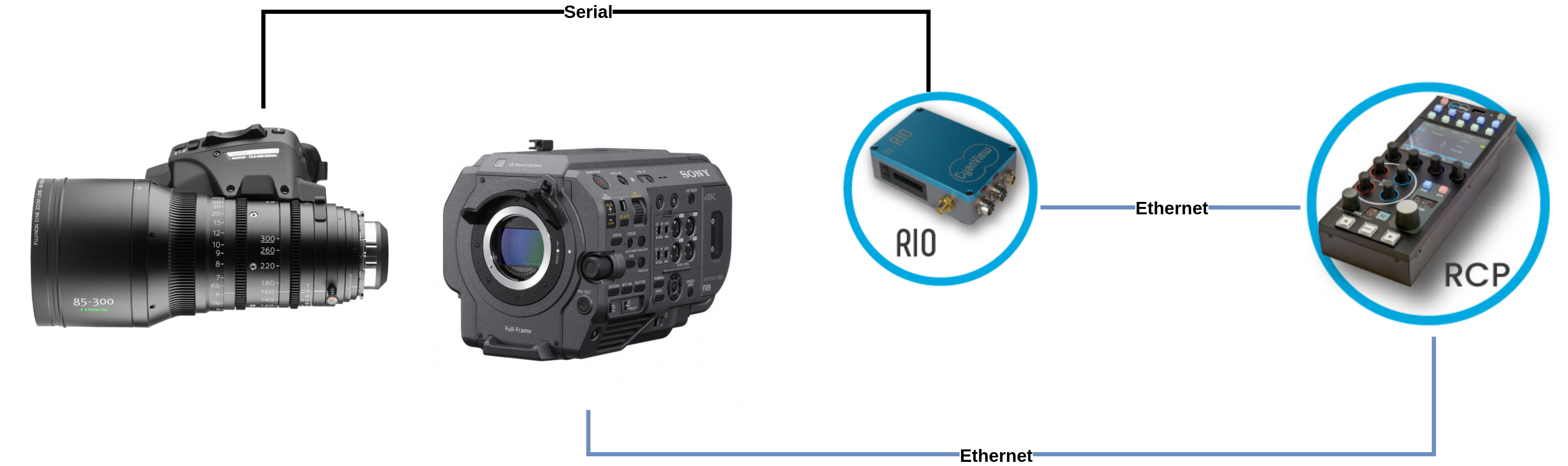
Motorized cinema lenses are set up by following the Cine Lens guide on the official site. Compatibility:
- Canon: using the 12P port (digital)
- Fujinon: using 20P or 12P (digital)
- cmotion: using the 12P port (digital)
Canon photo lenses (18-80 mm) are motorized but have only the 20P analog port, which allows control of zoom/focus only. For remote iris control, you need an external motor (cmotion, Tilta, ARRI, etc.).
Prime / Non-Motorized Lenses or Robotics
External motors can be controlled the same way as lenses:
- cmotion: see the Cine Lens guide on the official site
- Tilta: see the Tilta guide on the official site
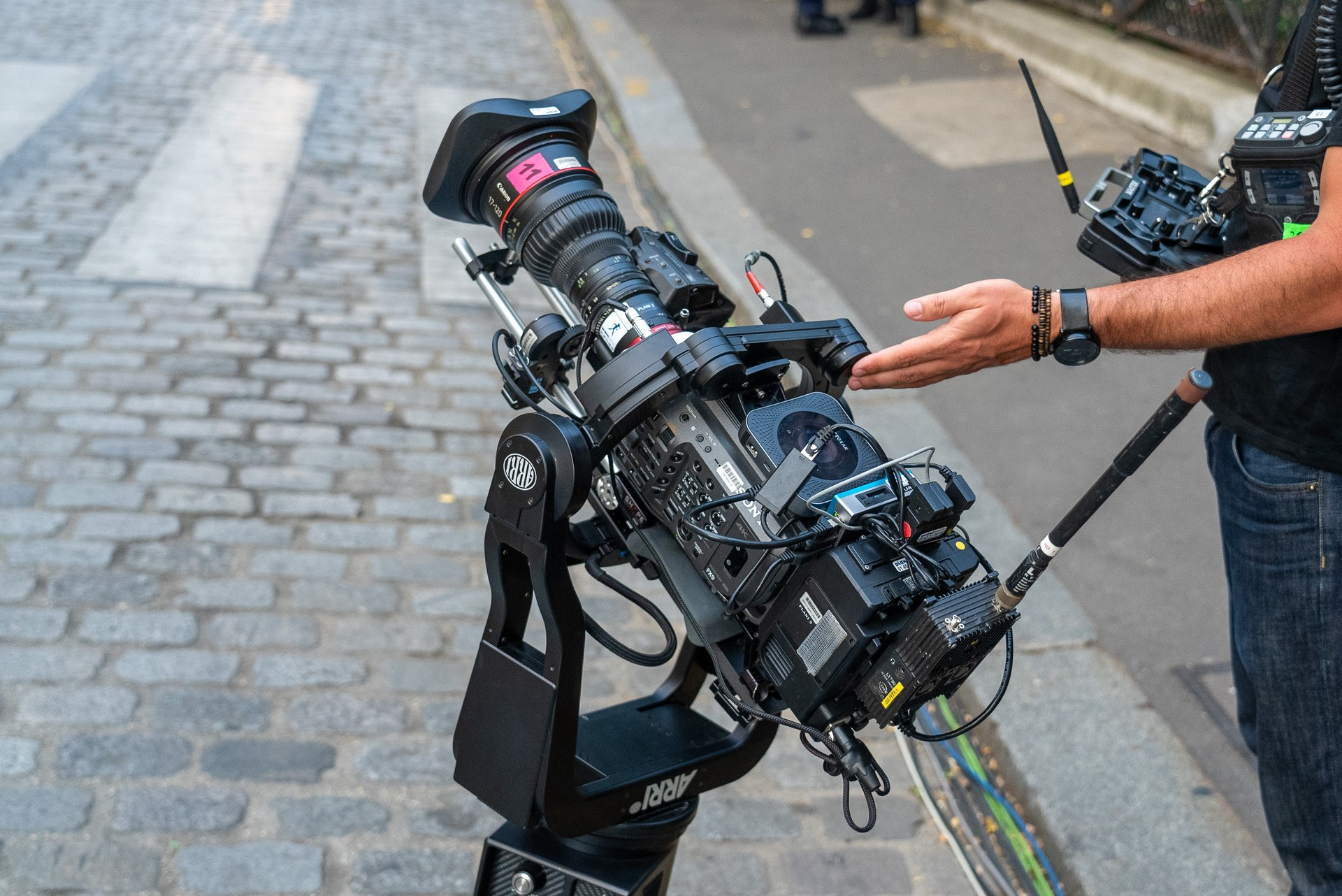
The picture shows a Canon 17-120 mm lens, which is normally controllable through its 12P digital connector. In this case, that port was already used by the ARRI AGITO operator (for zoom/focus), so a Tilta motor was added to give iris control from the RCP in the CCU room.
Cables
| Lens type | Cable |
|---|---|
| Lens controlled by the camera | Nothing needed (the lens is controlled through the camera protocol) |
| 2/3" B4 | CY-CBL-6P-B4-01 |
| Canon Cine Servo (12P digital) | CY-CBL-6P-B4-01 |
| Fujinon Cabrio (20P digital) | CY-CBL-6P-FUJI-02 + CY-CBL-6P-B4-01 |
| Other (non-motorized, prime lens, etc.) | Tilta motors with CY-CBL-TILTA-SERIAL |
See the Cable Catalog for details on each cable.
Because lenses are critical, we recommend using a RIO LAN or RIO WAN instead of a CI0. The CI0 is a slave device: if the Ethernet cable is removed, the lens is no longer controlled and will "close" (iris). A RIO has all protocols built in and can control the lens on its own without any Ethernet/RCP connection. It also lets you plug in handles, USB accessories, etc.