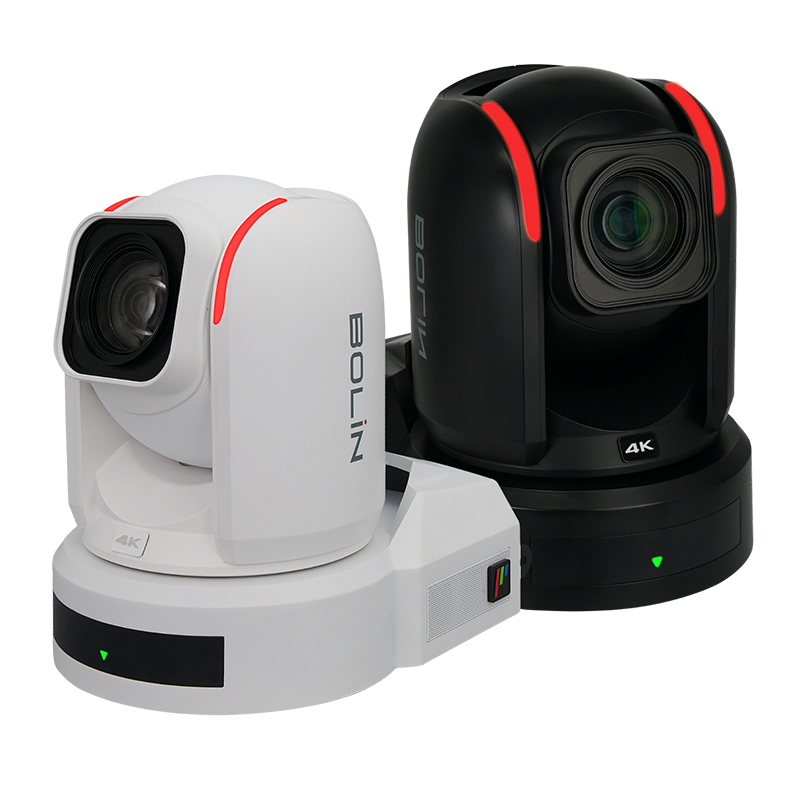
Bolin R9
Source
This content is based on Cyanview's official manuals. Always check the official page for the latest information and precise specifications.
https://support.cyanview.com/docs/Integrations/Bolin/R9
https://support.cyanview.com/docs/Integrations/Bolin/R9
Supported Control Features
Paint control:
- Filter (ND filter)
- White balance: red gain, blue gain
- Black balance: master black
- Matrix/multi-matrix
- Gain settings: ISO, EV
- Shutter control
- Color adjustment: saturation, hue
Lens/PTZF control:
- Iris adjustment
- Pan/tilt (status display, speed/position control)
- Zoom/focus (status display, speed/position control)
- PTZ preset functions
Camera control:
- Auto focus, auto shutter, auto gain functions
- Menu access
- Tally support
note
Future software updates are expected to add auto mode, recording, tally, and other features.
Setup
Set up the camera using the generic PTZ guide. Bolin provides a discovery tool to help set up the camera. Make sure the camera's IP address is reachable from the RCP; see "LAN Configuration" in IP Configuration for details.
Operation
- The Anxinshi joystick can provide a more convenient interface than the RCP touchscreen for pan, tilt, zoom, and presets.
- An Elgato Stream Deck can be used to recall PTZ presets.
Notes
- To use red/blue gain, the camera's "WB Mode" must be set to "User"
- OSD is only available on SDI#1
- To use tally, enable the "TALLY" parameter in the camera menu (
SYSTEM > TALLY MODE > ON)