Bradley Micro L Head
https://support.cyanview.com/docs/Integrations/BRRemote/MicroLHead
The Micro L Head from Bradley is a small pan/tilt head available directly from Bradley BR Remote, and also under the Marshall, Dreamchip, and Proton brands.
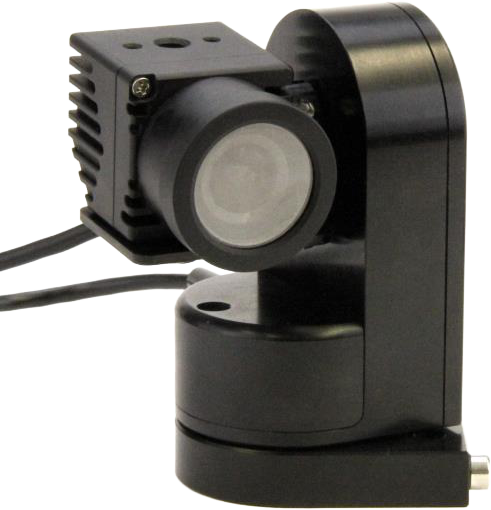
The integration currently provides basic support for pan/tilt motion. At this time, there are no controls for adjusting the maximum pan/tilt speed or for configuring joystick directions. The head is primarily used for reframing, and for saving and recalling positions from the RCP or an optional USB joystick.
Supported Controls
| Control | Notes |
|---|---|
| Pan / Tilt | Speed control only |
| Positions | Save and recall positions |
| Home | Set the "Home" position reference |
On the RCP, pan/tilt speed controls are located in Lens > PTZF > PTZF. Position controls are in the next tab, and the Home function is accessed via the "ACTION" button in that positions tab.
Wiring
The head itself is controlled via serial RS485. It is designed for use with mini cameras that are also serial-controlled. Either a CI0 or a RIO can control both the head and the camera over serial, and forward control remotely over IP to an RCP or another control device.
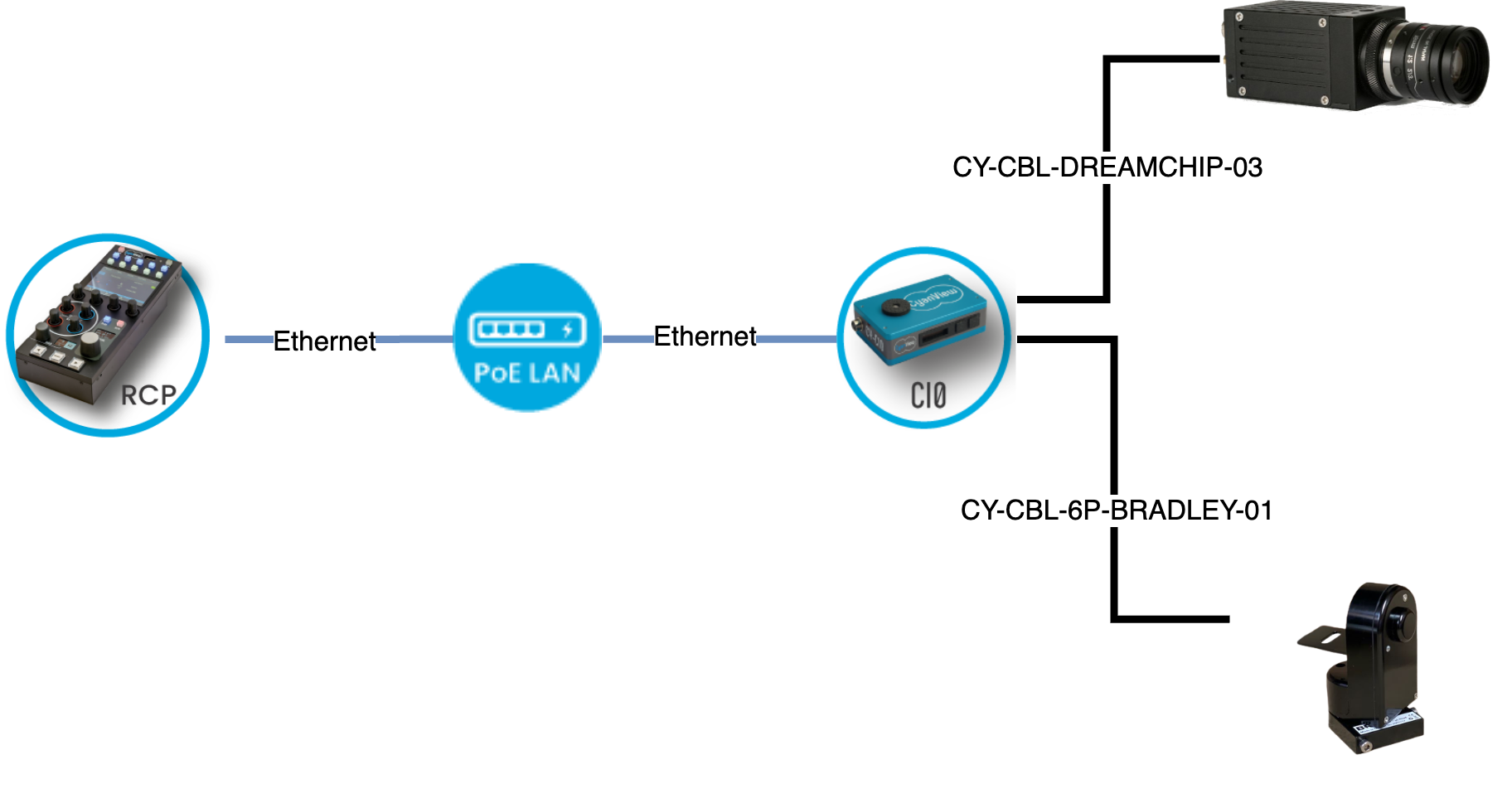
Even though the Micro L Head includes a slip ring intended for camera control, Cyanview does not use it:
- The slip ring is not a transparent data link; it only communicates using the Bradley protocol. The RCP would be limited to the functions Bradley supports, in unidirectional mode, so it could not fully control the camera. Complete camera control requires bypassing the slip ring entirely.
- The slip ring does not carry video, so video cabling must be routed separately anyway; a perfectly clean setup is not possible regardless.
Because the camera and head connections are independent, you need two outputs from a CI0 or RIO: one for the head and one for the camera.
The camera cables have been made thinner and longer to give more freedom of movement with the head. For Marshall, this is now the standard supplied cable, CY-CBL-6P-MARS-02. For Dreamchip, the reference is CY-CBL-DREAMCHIP-03.
Setup
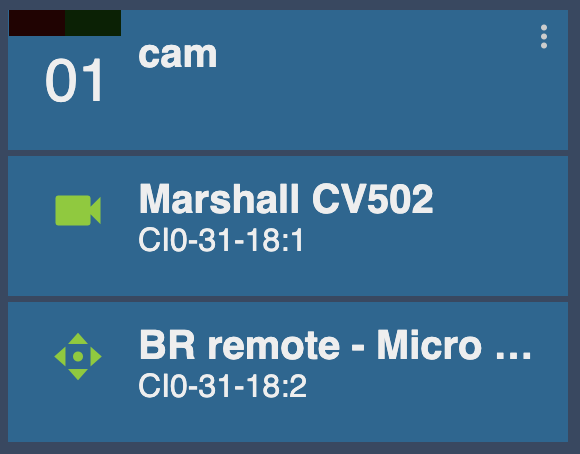
- Add a camera and configure it as usual. If you only want to control the head without camera control, do not assign camera control.
- In the right column of the camera configuration, scroll down to the "Pan and Tilt" section.
- Select the model "BR remote - Micro L Head".
- Select the interface (e.g.
CI0-31-18:2for port 2).
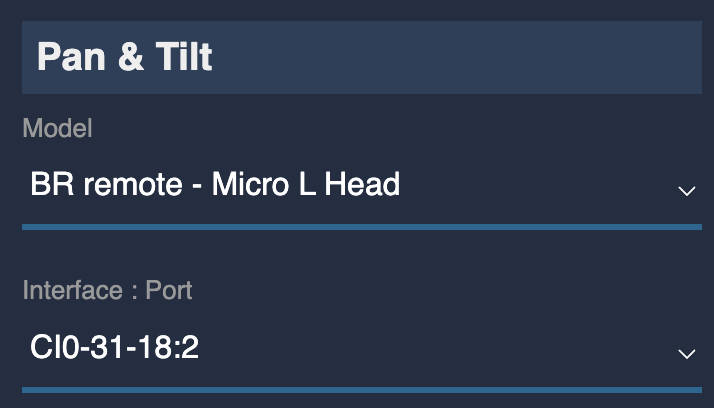
If everything is properly configured, the pan/tilt block icon in the camera control turns green.