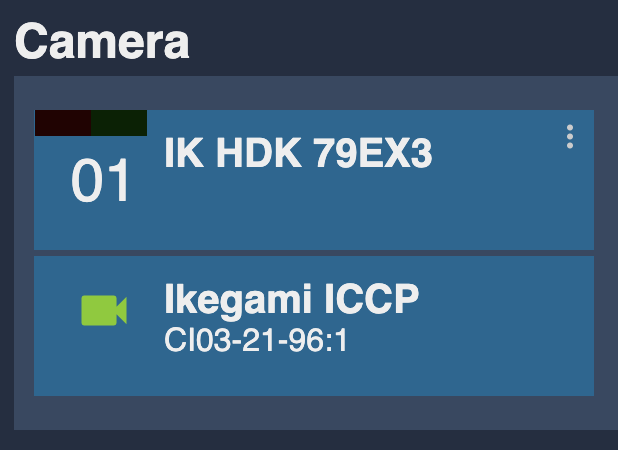
Ikegami ICPP
Source
This content is based on Cyanview's official manuals. Always check the official page for the latest information and precise specifications.
https://support.cyanview.com/docs/Integrations/Ikegami/ICPP
https://support.cyanview.com/docs/Integrations/Ikegami/ICPP
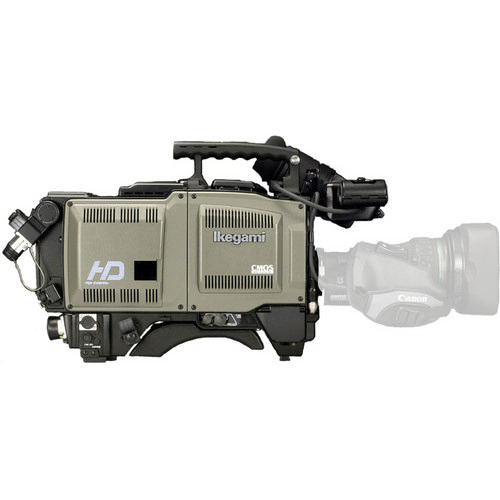
Compatible Cameras
If your camera has RS422 control with an 8-pin PRC05-PB8M connector, it should work.
Supported models:
- Ikegami HDK-79EX
- Ikegami HDK-79GX
- Ikegami HDK-73
- Ikegami HDK-97
- Ikegami HDK-99
warning
None of the 55 series (HDK-55, FA-55, etc.) is supported. The 55 was an entry-level camera system where not all features were installed, and according to Ikegami it can't be controlled through the serial port.
Camera Control
| Control | Supported |
|---|---|
| White balance (R/B and color temp) | ✓ |
| Black balance (R/B) | ✓ |
| Other (master gamma, knee, and detail) | ✓ |
| Exposure (iris, gain, shutter, and ND filter) | ✓ |
| Scene files: save/recall | ✓ |
| Auto (auto iris, auto white balance, auto black balance) | ✓ |
Wiring
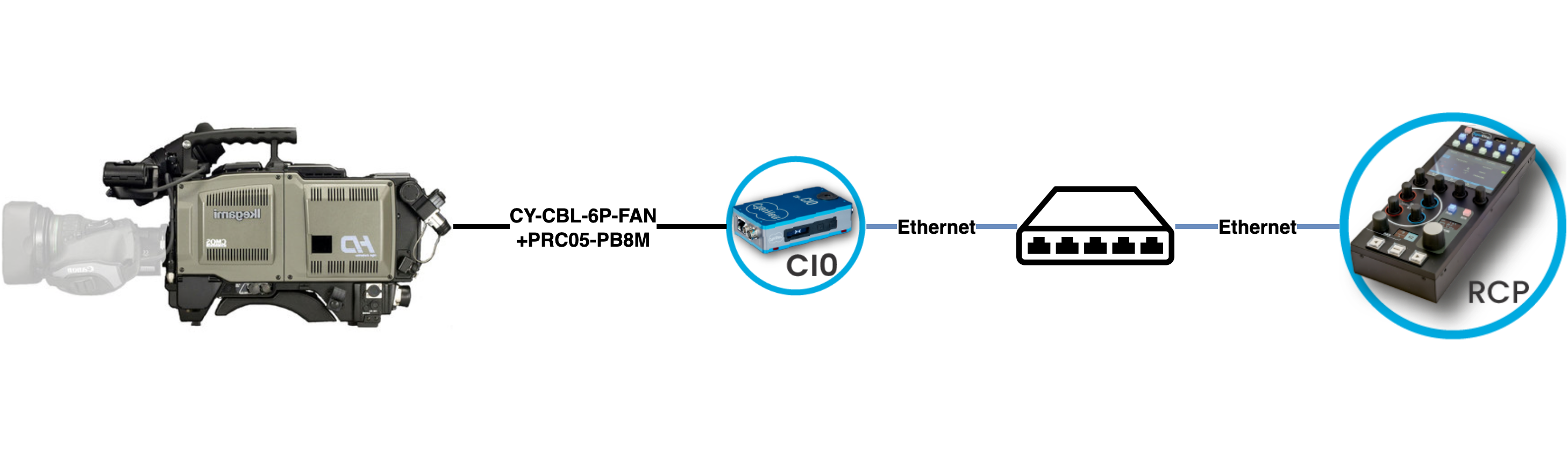
You will need:
- RCP
- CI0
- CY-CBL-6P-FAN
- Tajimi 8-pin PRC05-PB8M male plug
note
The connector is pricey and hard to find, so Cyanview doesn't sell it. Follow the Ikegami wiring guide in the Cable Catalog to combine the CY-CBL-6P-FAN with the connector and make your own cable.
Camera Configuration
Configure the camera for RS422, one-way remote control data (U4), at 38400 baud:
Engineering Menu > COMMAND MODE: select "U4(38400)"
RCP Configuration
Set up a new camera in the RCP Configuration UI:
- Enter a custom number, name, etc.
- Select the "Ikegami" brand.
- Select "ICPP" as the model.
- Select your CI0 and port (CI0 "21-96", port 1 in the example).
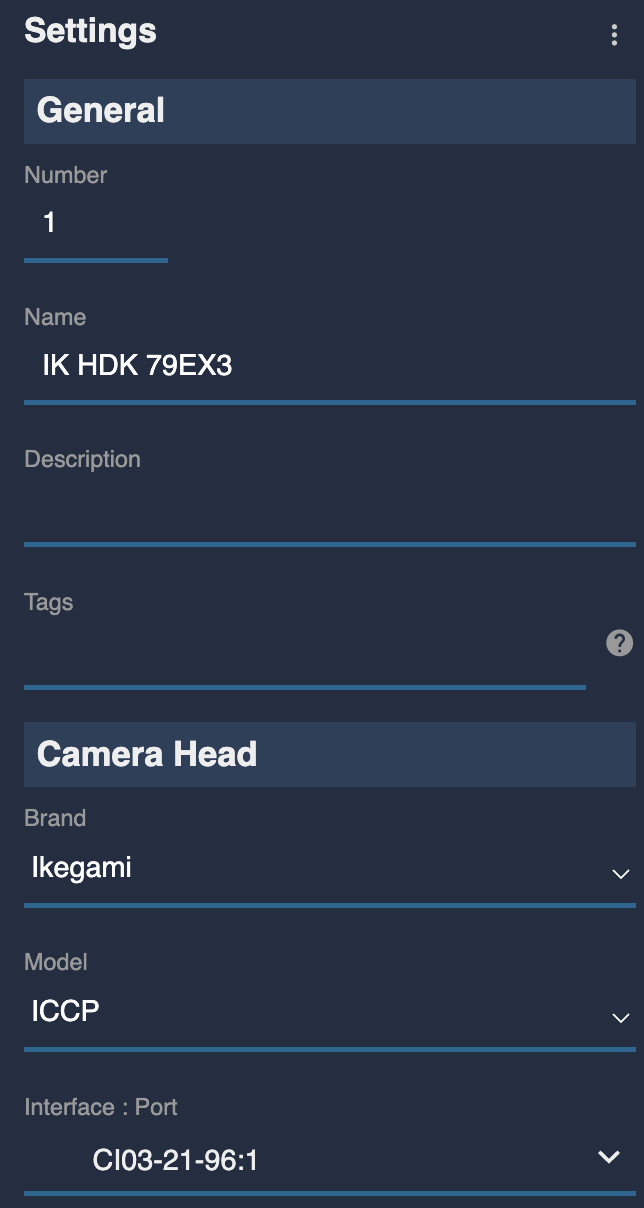
Once correctly connected, the block turns green.