Z CAM P2-R1
Source
This content is based on Cyanview's official manuals. Always check the official page for the latest information and precise specifications.
https://support.cyanview.com/docs/Integrations/Zcam/P2R1
https://support.cyanview.com/docs/Integrations/Zcam/P2R1
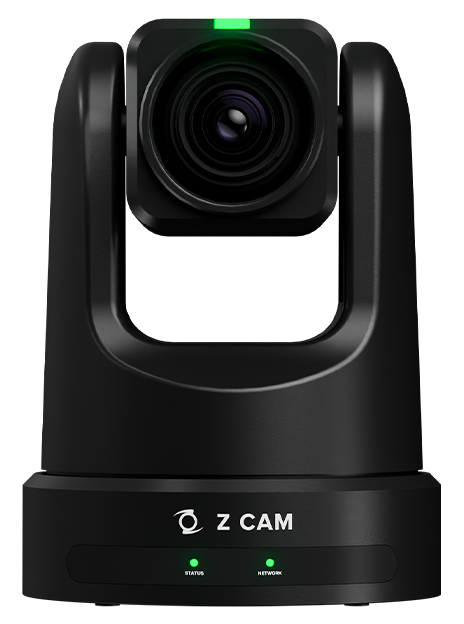
Supported Control Features
Paint/image settings:
- White balance (color temperature, tint) — requires manual white balance mode
- Matrix/multi-matrix
- Gain (ISO, EV)
- Gamma (OETF, SDR gamma) — SDR gamma is only selectable when OETF is set to "Gamma"
- Shutter
- Color adjustment (saturation, hue)
Lens/PTZF operation:
- Iris control
- Pan/tilt (status display, speed control)
- Zoom/focus (status display, speed control, digital zoom support)
- PTZ preset functions
- Vertical flip
Camera functions:
- Auto control: focus, one-shot focus, shutter, gain
- SDI video format selection
- Test functions
Other: Recording functions
Setup
For setup instructions, see the generic PTZ guide. The default IP address is 10.98.32.1, and it must be reachable from the RCP. For network settings, see the IP configuration guide.
Operation
- The Anxinshi joystick can provide a more convenient interface than the RCP touchscreen for pan, tilt, zoom, and presets.
- An Elgato Stream Deck can be used to recall PTZ presets.