Miscellaneous
Cyanview Symbol Library for DrawIO
Source
This content is based on Cyanview's official manuals. Always check the official page for the latest information and precise specifications.
https://support.cyanview.com/docs/DrawIOSymbols
https://support.cyanview.com/docs/DrawIOSymbols
DrawIO (draw.io) is a simple diagramming tool that you can use directly from your browser. All diagrams on Cyanview's official site are made with it.
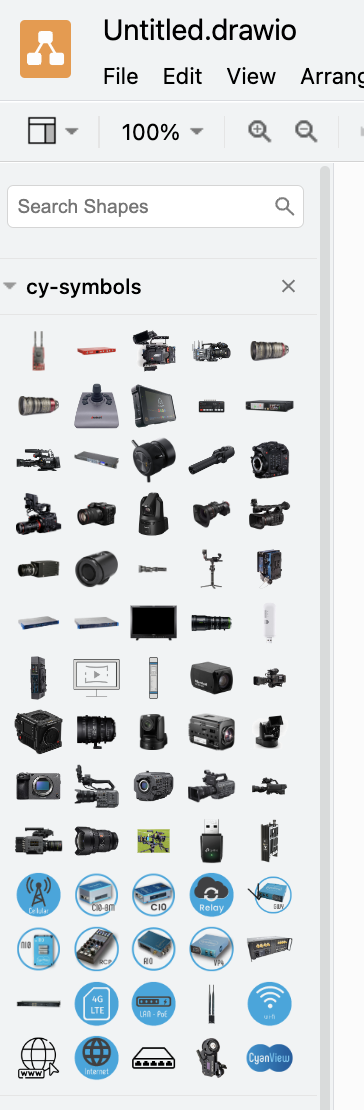
Cyanview provides a DrawIO library with various symbols (cameras, lenses, and more) that you can use to create system and wiring diagrams. The library is updated regularly.
Setup
- Open the DrawIO app in your browser.
- Download the library file (cy-symbols.xml) to your computer (right-click the link and choose "Save Link As").
- In DrawIO, click File > Open Library from > Device....
- Select the file you downloaded.
After a few seconds, the library appears like this: