Adding & Arranging Cameras
Source
This content is based on Cyanview's official manuals. Always check the official page for the latest information and precise specifications.
https://support.cyanview.com/docs/Manuals/multi-cam-dashboard
https://support.cyanview.com/docs/Manuals/multi-cam-dashboard
Adding a Camera
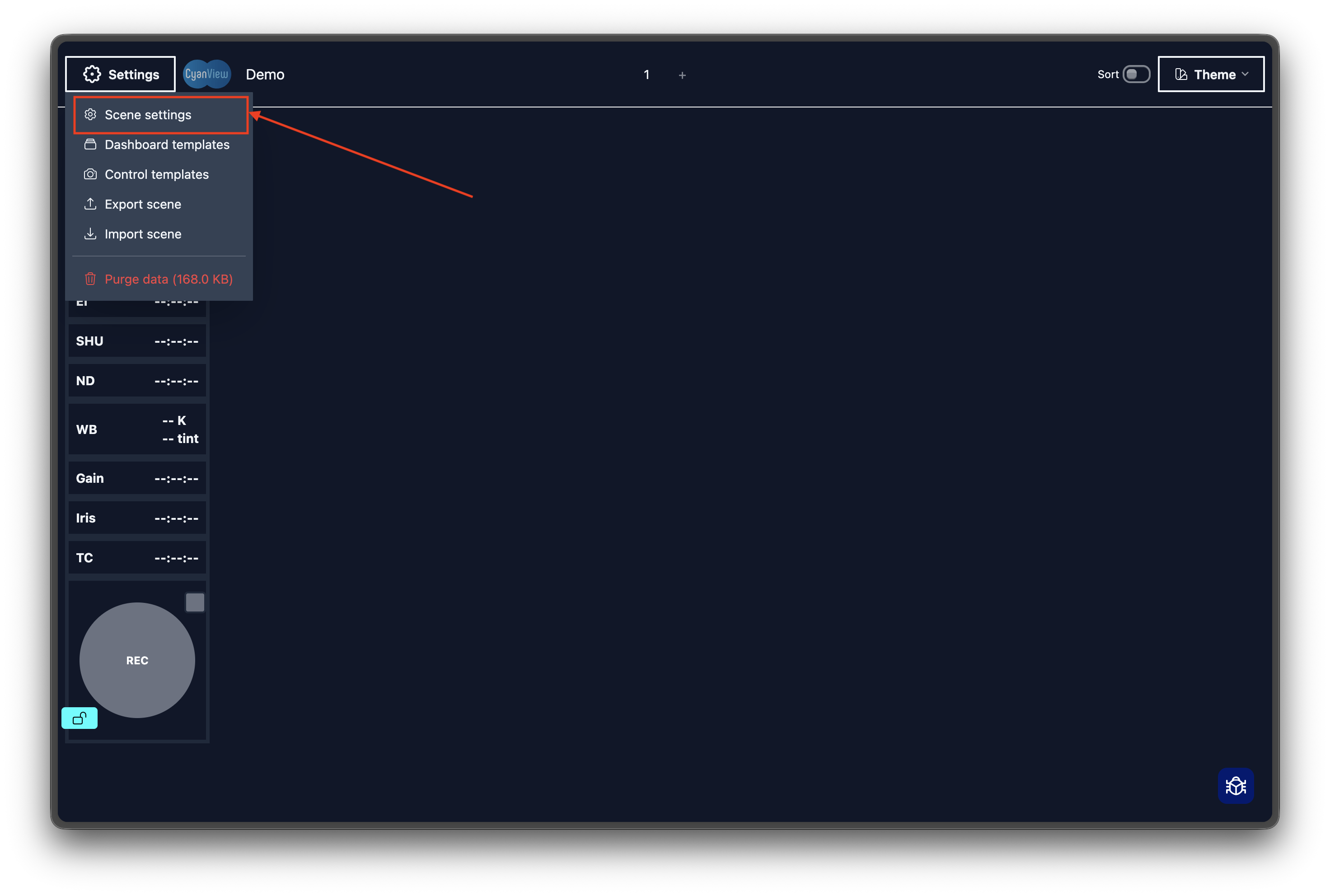
- Open Settings → Scene Settings
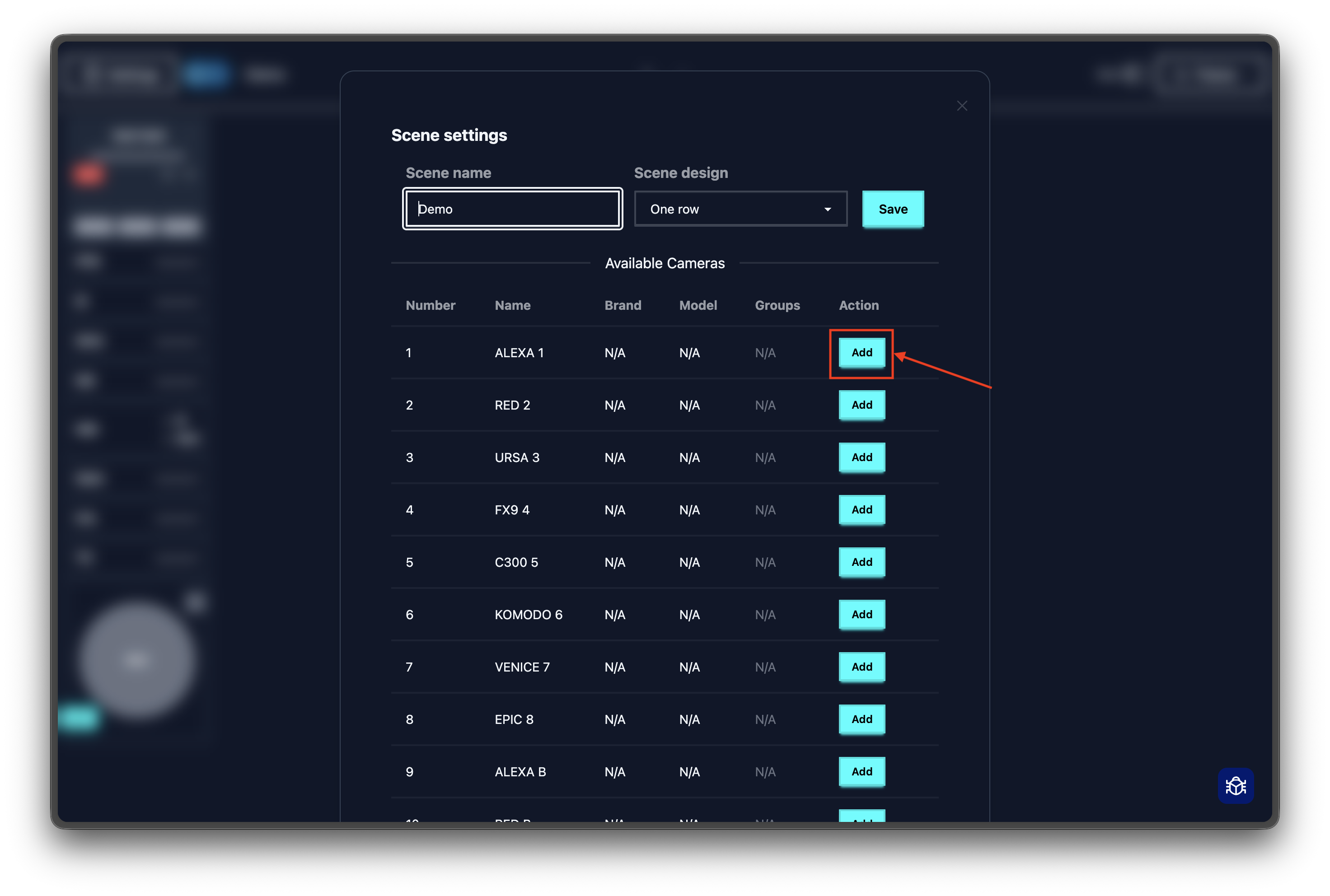
- Find the camera you want under "Discovered Cameras"
- Click the
+button - The camera appears on the dashboard
Arranging Cameras
You can reorder cameras to match your physical setup.
- Click "Enable Sorting" on the dashboard
- Drag cameras into their new positions