Camera Groups
Source
This content is based on Cyanview's official manuals. Always check the official page for the latest information and precise specifications.
https://support.cyanview.com/docs/Manuals/multi-cam-dashboard
https://support.cyanview.com/docs/Manuals/multi-cam-dashboard
- Click the edit toggle on the dashboard
- Select the cameras
- Enter a group name (alphanumeric)
- Click "Submit"
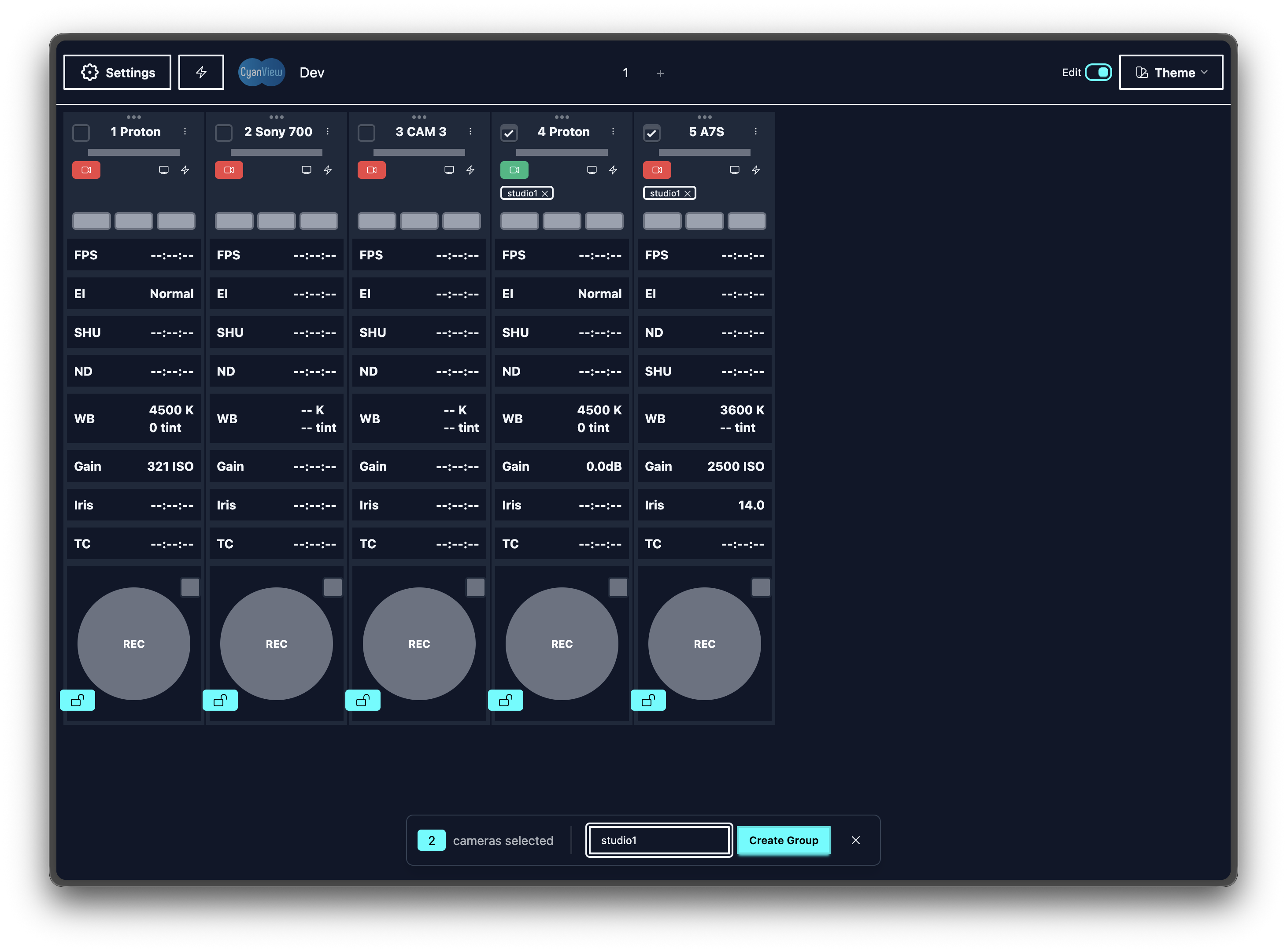
Deleting a group: Clicking the edit toggle displays a delete button on the group tag.