RCP UI - Lens
https://support.cyanview.com/docs/Manuals/RCP/RCPUI/RCPUILens
Overview
The LENS menu lets you control:
- Lens: zoom, focus
- Robotics: pan/tilt/roll
The type of control (speed or position) and what you can control vary based on:
- the camera
- the lens
- the robotic head
They also vary depending on whether you:
- have a PTZ camera
- have a lens (iris, zoom, focus) controlled through the camera
- have an external lens (iris, zoom, focus) controlled externally, in parallel with the camera, either directly through the lens or using motors (ARRI, Tilta)
:::note Usually
- PTZ cameras have speed/position control for everything (zoom, focus, pan, tilt)
- Cameras have iris control in position, but no zoom/focus control
- Lens (+ camera) has iris in position and zoom/focus (optional) in speed and position
This is due to the limitations of each camera protocol. :::
:::note Why speed vs. position matters
- To use external zoom/focus controls (BM handles, etc.), you need zoom in speed and focus in position.
- To smooth remote control (4G, etc.), speed is better than position, because it smooths out network jitter.
- You can only save/recall absolute positions. :::
LENS Menu
Path: MENU > LENS
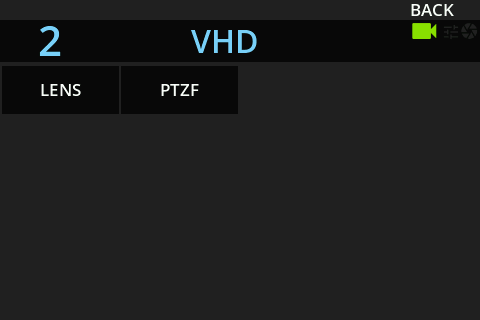
- LENS: setup/information
- PTZF: PTZ control/operation
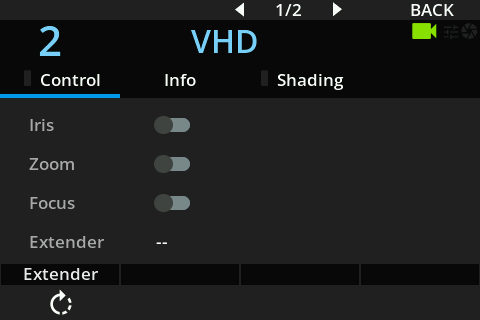
This page only works with an external lens (for example, a Canon PL lens on an FX9 controlled with a RIO):
- Control is exclusive: if the RIO takes control, the camera operator loses control
- Iris: usually enabled, as it is the main use of the RCP
- Zoom: usually disabled so the camera operator can zoom. Used for robotic applications or beauty shots (the RCP or any Cyanview device can then operate zoom/focus)
- Focus: usually disabled so the camera operator can focus. Same use cases as Zoom
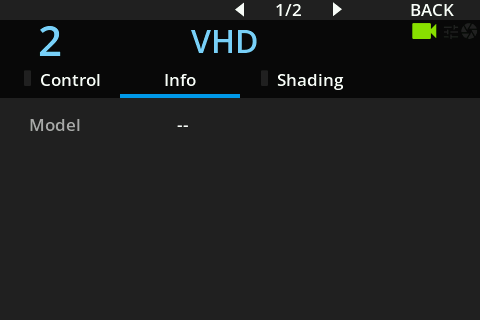
With an external lens (such as a Canon PL lens on an FX9 controlled with a RIO), you can check here whether communication is established: the lens model is displayed when it is.
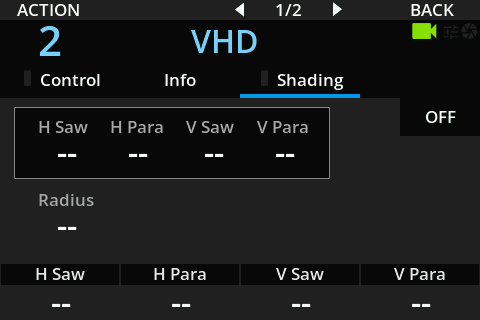
PTZF Menu
PTZF Control
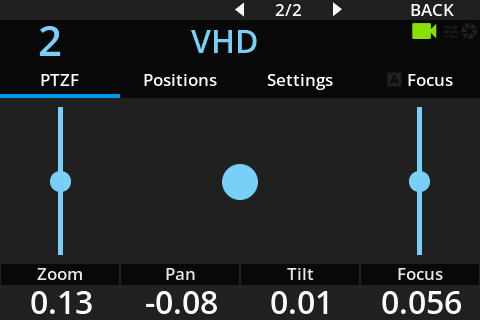
You can control zoom, focus, pan, and tilt using:
- Encoders: position/absolute control
- Touchscreen: speed/relative control
Sometimes an absolute value is displayed but absolute control is not available. This depends on each camera protocol.
Saving/Loading Positions
You can save/load 10 presets for zoom, focus, pan, and tilt, when absolute control and values are available.
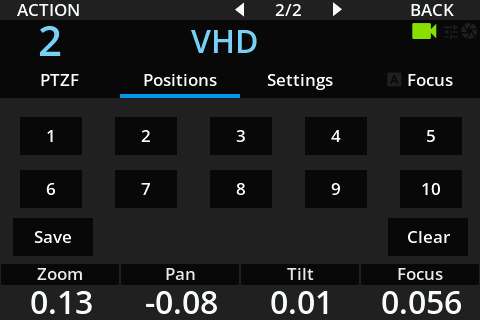
- Click Save, then a position: saves the current values in that slot
- Click a slot: recalls the saved values (zoom, focus, pan, tilt)
- Click Clear, then a slot: clears that slot
Settings
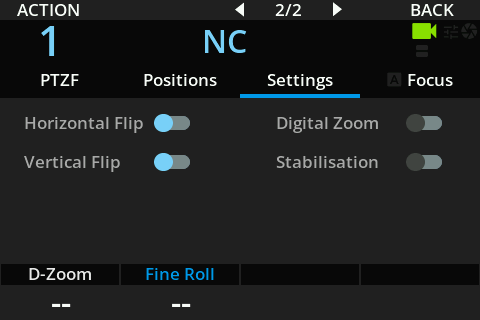
You can set up:
- Horizontal/vertical flip
- Digital zoom on/off
- Stabilization on/off
And control:
- Roll
- Digital zoom
Available items depend on the model. In the official manual's example (a PTZ camera), only horizontal/vertical flip is available.
Focus
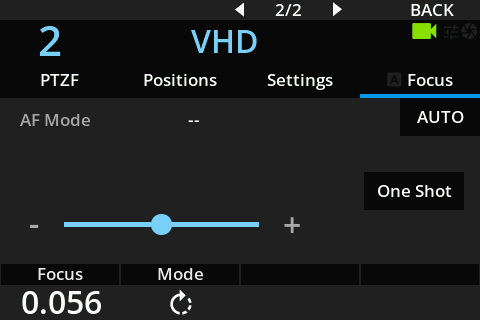
- Control focus relatively, in speed, using the touchscreen
- Control focus in absolute position using the first encoder
- Change the AF mode (if available) using the second encoder
- Run a one-shot focus (touchscreen button)
- Toggle AF on/off (touchscreen button)
In the official manual's example (a PTZ camera), only AF on/off and focus control in speed and position are available.