RCP UI - Power Management
Source
This content is based on Cyanview's official manuals. Always check the official page for the latest information and precise specifications.
https://support.cyanview.com/docs/Manuals/RCP/RCPUI/RCPUIPowerManagement
https://support.cyanview.com/docs/Manuals/RCP/RCPUI/RCPUIPowerManagement
RCP power management can be accessed from two menus: MENU > SYSTEM > POWER and MENU > SYSTEM > SYS CTL.
Power
Path: MENU > SYSTEM > POWER
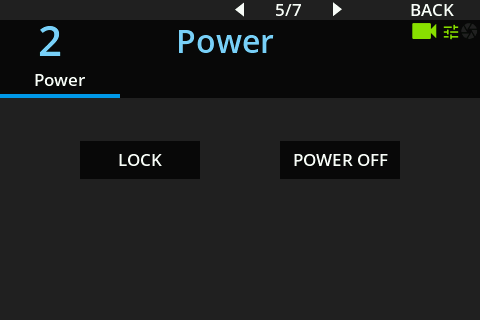
| Command | Description |
|---|---|
| LOCK | Locks the RCP panel controls |
| POWER OFF | Turns off the RCP control's power. Press the Power/Lock button again to turn it back on |
System Control
Path: MENU > SYSTEM > SYS CTL
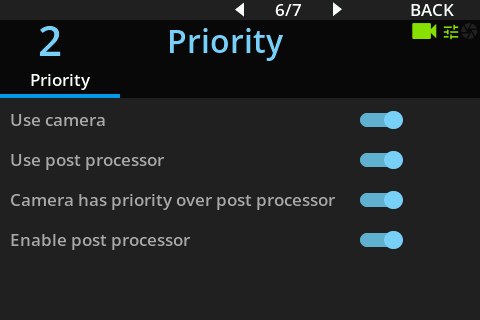
Gives access to maintenance commands. Executing these will make the RCP controls temporarily unavailable.
| Command | Description |
|---|---|
| Reboot System | Reboots the entire RCP system |
| Restart Application | Restarts only the RCP application |
caution
Executing these commands will make the controls unavailable for several tens of seconds. Be mindful of timing when executing these during a live production.