VP4 Web UI Operation
Source
This content is based on Cyanview's official manuals. Always check the official page for the latest information and precise specifications.
https://support.cyanview.com/docs/Manuals/VP4Manual
https://support.cyanview.com/docs/Manuals/VP4Manual
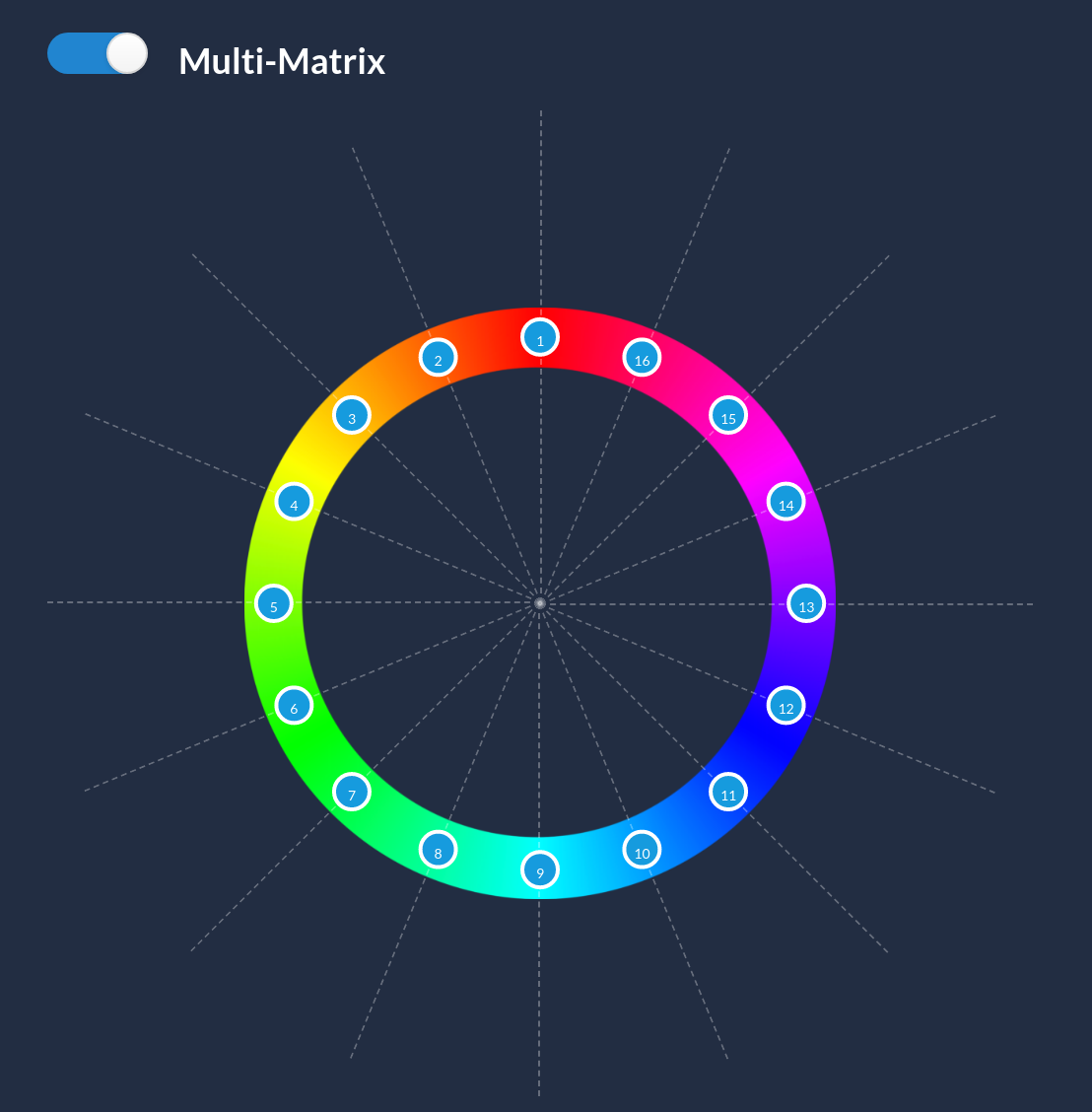
VP4 color correction and color matching are performed from the RCP's "Multi-Matrix" screen.
To access the Multi-Matrix screen on the RCP, follow these steps:
- Click "Paint1"
- Press the same button again to switch to the "blue button" function and display "Paint2"
- Using the "white button," click "M-Matrix" in the "Paint2" menu
Color correction is performed by selecting a color vector and adjusting its "hue" and "saturation."